


 MENU
MENU
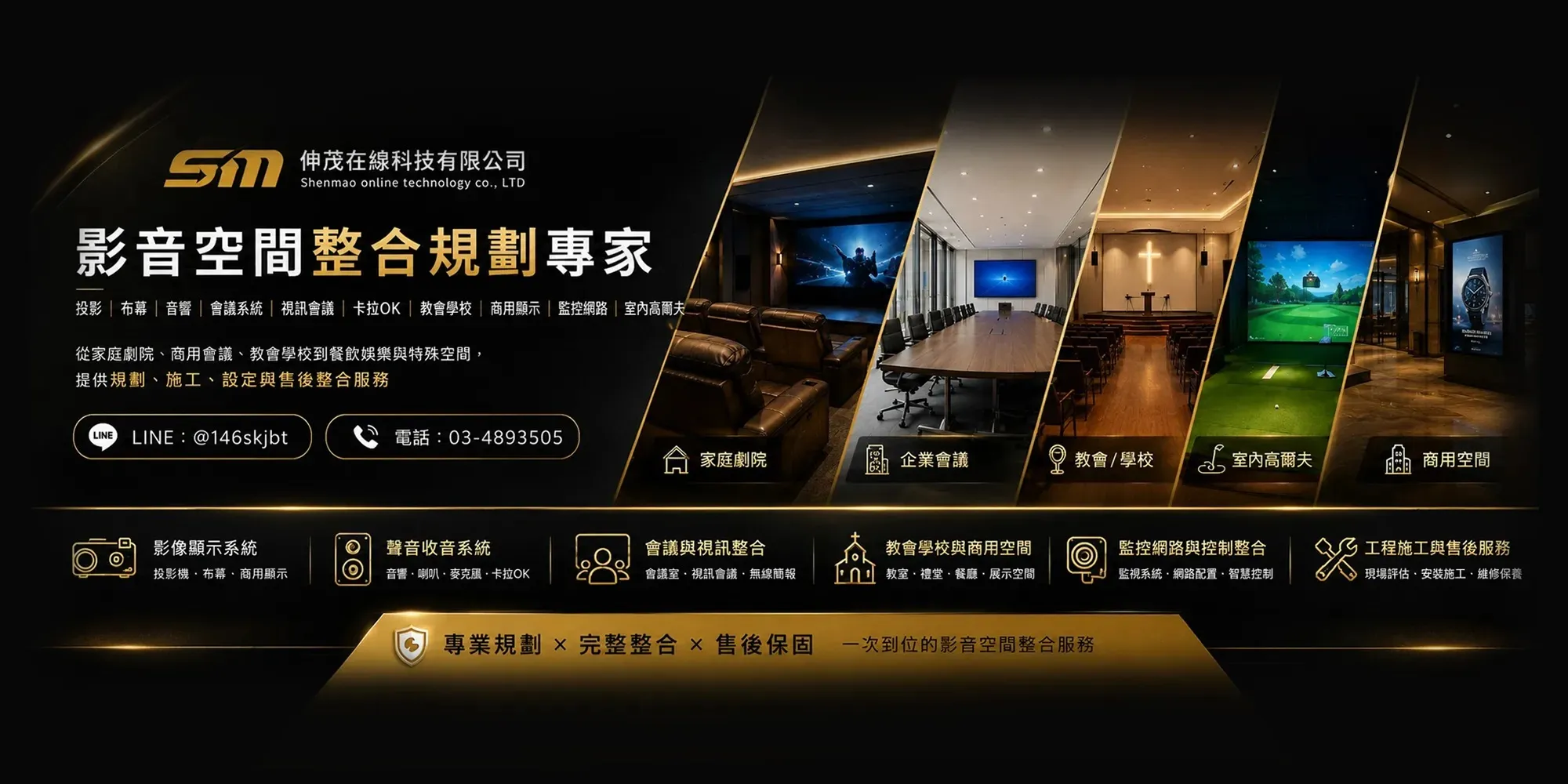
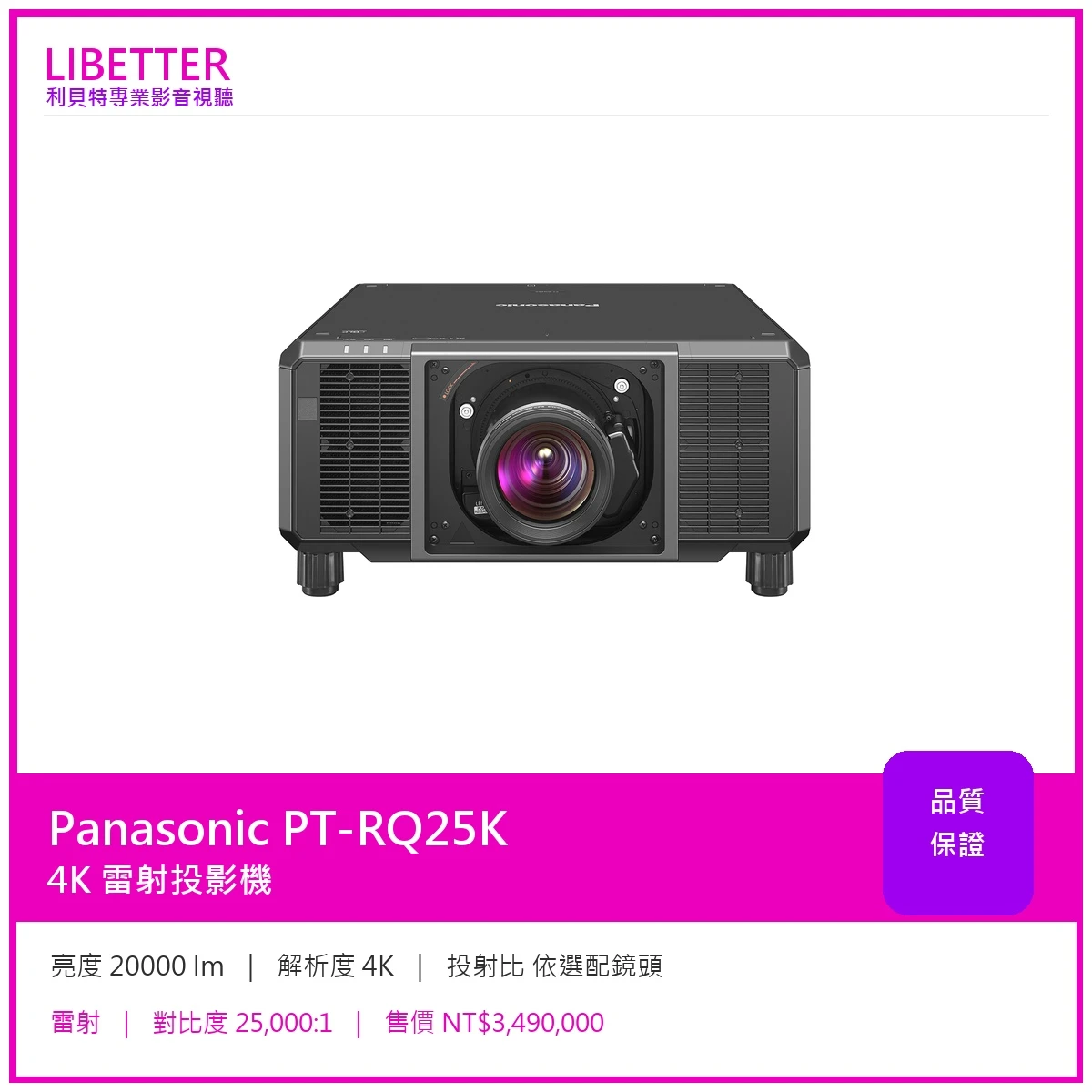
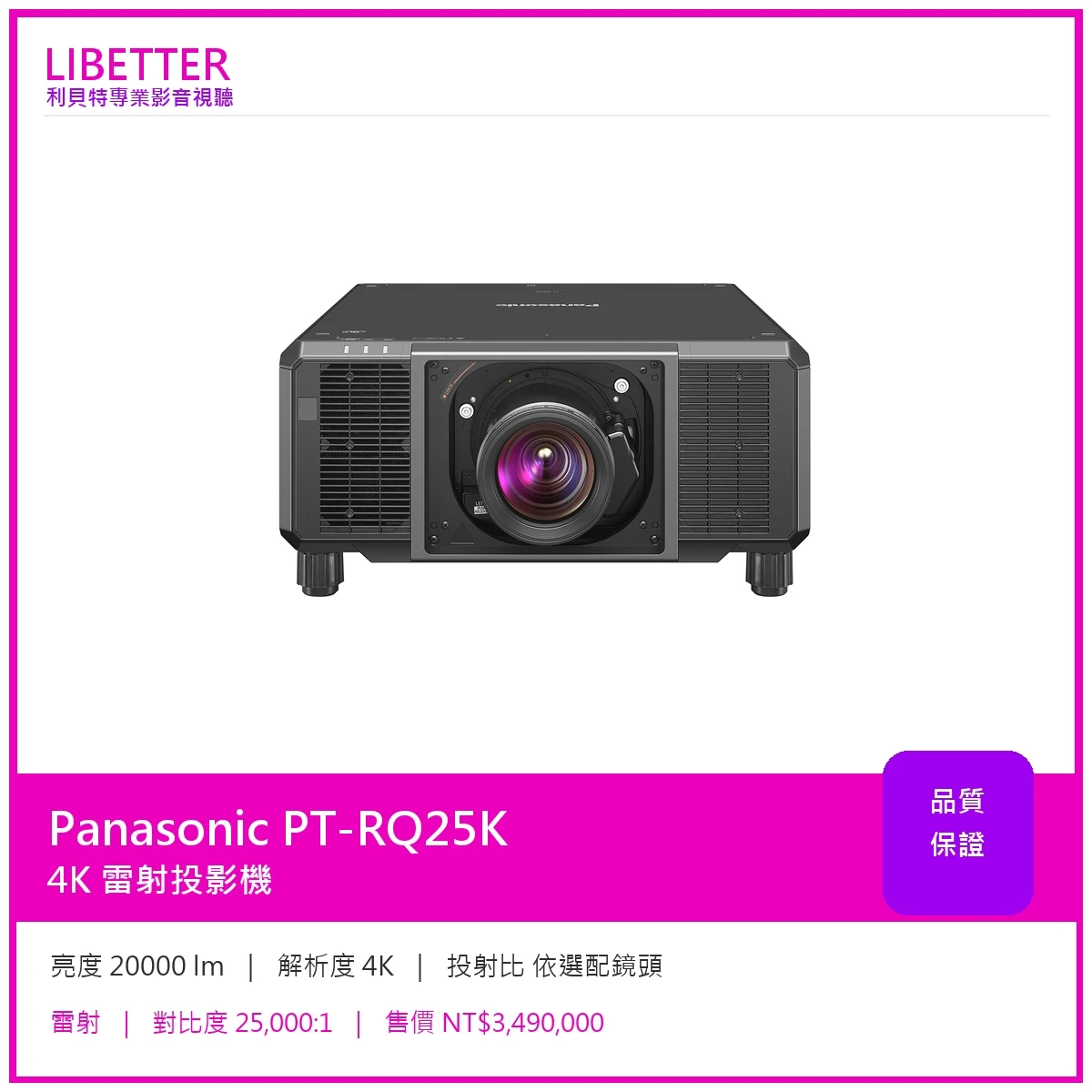
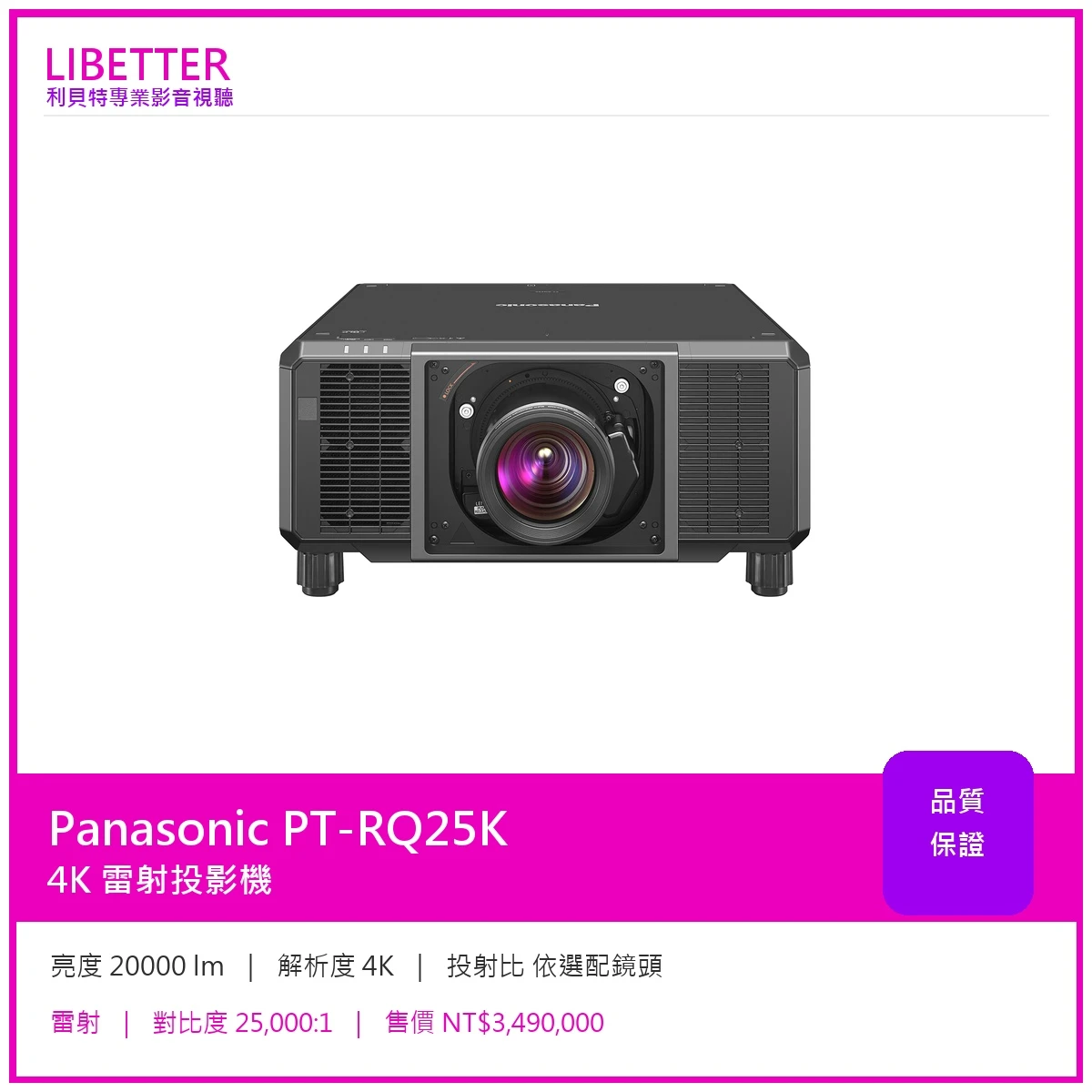
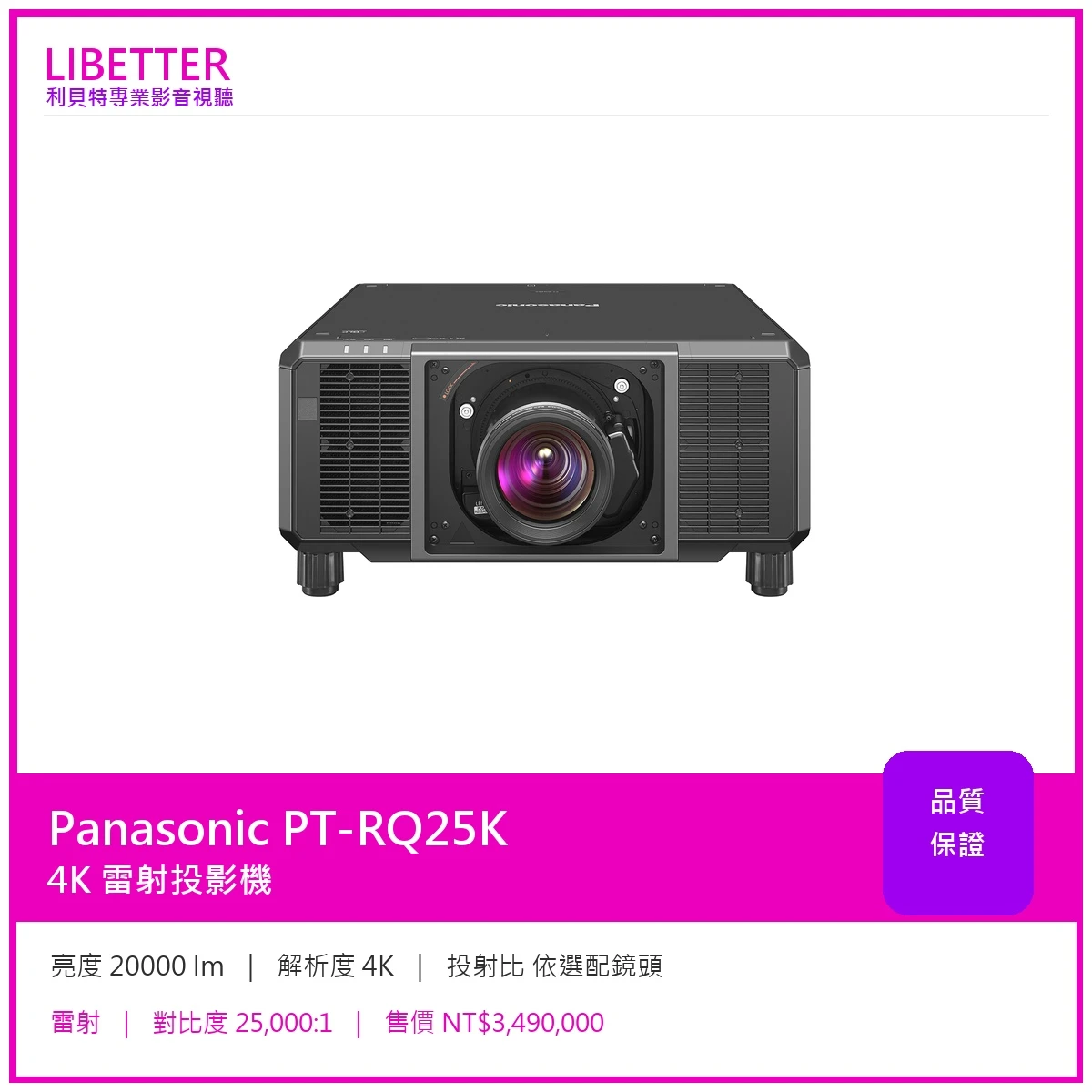
Panasonic PT-RQ25K
主要規格
| 亮度 | 20000 lm |
|---|---|
| 解析度 | 4K |
| 投射比 | 依選配鏡頭 |
| 光源 | 雷射 |
| 光源壽命 | 20,000 小時 (NORMAL / QUIET) / 24,000 小時 (ECO) |
| 對比度 | 25,000:1 |
| 鏡頭位移 | 依選配鏡頭 |
| 縮放 | 依選配鏡頭 |
Panasonic 原廠產品介紹
Large-Venue 3-Chip DLP™ Projectors
Note: Based on publicly available dimensions and weight for DLP™ laser projectors with 16,000 lm brightness and above as of October 2022. Optional 3-Chip DLP™ lenses 3 sold separately.
Compact Form-Factor Streamlines Workflow
PT-RQ25K Series is 40 % smaller and 35 % lighter 11 than PT-RQ22K for easy handling and workflow. Intel ® SDM standard-compatible slot expands connectivity with proprietary or third-party 12 function boards. Smart Projector Control 13 app, NFC function 14 , Remote Preview LITE, and Visual Software Suite (VSS) 15 integration streamline installation.
an Engaging Visual Experience
Quad Pixel Drive creates smooth 4K 2 images while newly improved Dynamic Contrast delivers higher white brightness and deep blacks during high-contrast scenes. Gradation Smoother reduces color banding, while Panasonic’s exclusive black-level adjustment evolves again to support seamless multi-screen projection.
Maintenance-free for Peace of Mind
Hermetically sealed optical block and high-efficiency liquid-cooling system enable maintenance-free projection for 20,000 hours 16 . Multi-Laser Drive Engine and Backup Input 17 enhance reliability for failure-proof projection. Refined power supply supports projection at up to 15,000 lm 18 on AC 100–120 V power.
1 Please refer to specifications table for brightness value of individual models. Measurement, measuring conditions, and method of notation all comply with ISO/IEC 21118: 2020 international standards. Value is average of all products when shipped.
2 PT-RQ25K/RQ18K only with Quad Pixel Drive [ON].
3 Excluding lenses for the PT-RQ50K projector.
4 Measurement, measuring conditions, and method of notation all comply with ISO/IEC 21118: 2020 international standards. Value is average of all products when shipped.
5 Measurement, measuring conditions, and method of notation all comply with American National Standards Institute standards. Value is the average of all products when shipped.
6 Average light-output value of all shipped products measured at the center of screen in NORMAL Mode.
7 Maximum physical resolution with Quad Pixel Drive [ON].
8 PT-RQ25K/RQ18K only.
9 Only when optional TY-SB01DL DIGITAL LINK Terminal Board is loaded.
10 PT-RZ24K/RZ17K only.
11 Estimated values by cabinet volume and weight (excluding lens) according to Panasonic research.
12 Intel ® SDM standard-compatible third-party function boards sold separately. Operation of third-party devices cannot be guaranteed.
13 Check device compatibility at the App Store or the Google Play store.
14 Projectors sold in some countries or regions require an ET-NUK10 Upgrade Kit available from PASS to activate NFC function. See NFC Regional Compatibility List for details.
15 Visual Software Suite is available free from PASS . For more information, visit the VSS webpage . Geometry Manager Pro is now integrated into Visual Software Suite. We recommend using Visual Software Suite with compatible projectors going forward.
16 Around this time, light output will have decreased by approximately 50 %. IEC62087: 2008 Broadcast Contents, NORMAL Mode, Dynamic Contrast [3], temperature 35 °C (95 °F), elevation 700 m (2,297 ft) with 0.15 mg/m 3 of airborne particulate matter. Panasonic recommends checkup at point of purchase after about 20,000 hours. Light-source lifetime may be reduced depending on environmental conditions. Replacement of parts other than the light source may be required in a shorter period. Estimated maintenance time varies depending on environment.
17 Primary and backup terminal assignment is fixed. Input signals to primary and backup inputs must be identical.
18 Maximum light output is limited to approximately 15,000 lm. Maximum value of light output is further decreased in the following cases: when a function board is installed in the slot, when the light source is deteriorating from use, or when there is dust on the optical parts.
Note: From August 2025, in accordance with the European Radio Equipment Directive (RED), the projector’s built-in email function will be removed and provided instead through Multi Monitoring & Control Software. To continue using the email function, please download the free software here .
Compact Form-Factor Streamlines Your Workflow
The World’s Smallest and Lightest 20,000 lm 1 3-Chip DLP ™ 4K 2 Projector
PT-RQ25K Series is 40 % smaller and 35 % lighter 3 than PT-RQ22K and only a little larger than our 10,000-lm-class 1-Chip DLP™ models. Unlock time-saving workflow efficiencies that save resources with transport, handling, and installation easily managed with a team of two. Explore exciting spatial design possibilities in locations previously too small to fit a 3-Chip DLP™ projector. Innovations such as miniaturized optical engine and power supply, high-efficiency cooling system, and revised optical unit materials have resulted in a game-changing design that brings elite 3-Chip DLP™ performance to events of any scale.
Note: Based on publicly available dimensions and weight for DLP™ laser projectors with 16,000 lm brightness and above as of October 2022.
3 Estimated values by cabinet volume and weight (excluding lens) according to Panasonic research.
Smart Projector Control 1 App Smooths Your Workflow
Smart Projector Control app simplifies projector setup and operation. Connection is easy: just scan the QR Code 2 displayed in the projector’s OSD menu with your smartphone camera. You can control up to 64 projectors simultaneously with operations such as on/off, input selection, and setting adjustment easily performed even with the projector in standby. You can select test patterns, adjust lens settings via new lens-control UI, and focus the projection with your smartphone camera 3 from distances of up to 30 m (98 ft) 4 . For more information, visit the Smart Projector Control webpage .
1 Check device compatibility at the App Store or the Google Play store.
2 Requires optional AJ-WM50 Series Wireless Module (sold separately). Product availability may vary by country or region.
3 Some devices do not support projector autofocus function.
4 When projecting a 300-inch image. Maximum distance is 3 m (10 ft) for a 100-inch image.
Save Prepping Time with NFC Function 1
NFC function 1 allows you to prepare your projector for setup and installation, and initialize it to factory defaults after the event, when AC power is unavailable on site or when OSD projection isn’t possible. Just place your phone on the projector’s NFC touchpoint to connect and use Smart Projector Control 2 app to read and write settings such as Projector ID and IP address. Fleets of projectors can be prepped for immediate network connection and setup the moment power rolls out on the installation site, saving time and resources. After the event, projectors can be reset to defaults while unplugged, an action that used to require OSD menu projection.
1 Projectors sold in some countries or regions require an ET-NUK10 Upgrade Kit available from PASS to activate NFC function. See NFC Regional Compatibility List for details.
2 Check device compatibility at the App Store or the Google Play store.
Import and Save Your Own Test Patterns
In addition to 10 built-in test patterns, you can now import and save up to three of your own custom test-patterns to the projector. You can save your go-to test patterns or use a client’s content to calibrate the projector before the video source is connected. Access compatible BMP or PNG image files saved to USB memory via the Test Pattern menu, where they can be saved, renamed, or deleted using the projector remote control.
Note: Supports PNG (1/8/16/24/32/48/64-bit, non-transparent, alpha blending disabled) and BMP (1/8/24-bit) formats with maximum resolution of 3840 x 2400 dots (PT-RQ25K/RQ18K) or 1920 x 1200 dots (PT-RZ24K/RZ17K). For more information, please check the Operating Manual.
Panasonic 官方產品圖片
Panasonic 官方詳細規格
| Projector type | 3-Chip DLP™ projector |
|---|---|
| Panel size | 20.3 mm (0.8 in) diagonal (16:10 aspect ratio) |
| Display method | DLP™ chip x 3, DLP™ projection system |
| Number of pixels | 2,304,000 (1920 x 1200 pixels) x 3 |
| Light source | Laser diode |
| Light output 1, 2 ? ISO/IEC 21118: Brightness measured complied with ISO/IEC 21118: 2020 international standards. Measure average illuminance level (lux) of 9 points which are divided on the projected area, and multiply by projected area (m 2 ). Value is the average of all products when shipped. ANSI lm: Brightness measured complied with American National Standards Institute standards. Measure average illuminance level (lux) of 9 points which are divided on the projected area, and multiply by projected area (m 2 ). Value is the average of all products when shipped. Result of Brightness measured complied with ISO/IEC 21118 and ANSI will be same. Center lm: Measured Illumination level at the center of screen (lux) multiplied by projected area (m 2 ). Value is the average of all products when shipped. When comparing projectors, it's essential to ensure that the brightness ratings are measured using the same standard to get an accurate comparison. | 20,000 lm 3 / 20,000 lm (ANSI) 4 / 21,000 lm (Center) 5 |
| Time until light output declines to 50 % 6 | 20,000 hours (NORMAL/QUIET), 24,000 hours (ECO) |
| Resolution | 4K (3840 x 2400 pixels) (Quad Pixel Drive: ON) |
| Contrast ratio 3 | 25,000:1 (Full On/Full Off, Dynamic Contrast [3]) |
| Screen size (diagonal) | 1.78–25.40 m (70–1000 in), 1.78–15.24 m (70–600 in) with ET-D75LE8/ET-D3LET80, 3.05–15.24 m (120–600 in) with ET-D75LE95, 5.08–15.24 m (200–600 in) with ET-D3LEU100/D3LEU101/D3LEW200/D3LEW201 |
| Center-to-corner zone ratio 3 | 90 % |
| Lens | Optional (no lens included with this model) |
| Vertical | ±66 % (52 % with ET-D75LE6/ET-D3LEW60/ET-D3LEW300/ET-D3LEW600, +71 % / +93 % with ET-D75LE95, ±66 % with ET-D3LEU100/D3LEU101, ±57 % with ET-D3LEW200/D3LEW201) (powered) |
| Horizontal | ±24 % (18 % with ET-D75LE6/ET-D3LEW60/ET-D3LEW300/ET-D3LEW600, ±14 % with ET-D75LE95, -25 % / +30 % with ET-D3LEU100/D3LEU101, ±18 % with ET-D3LEW200/D3LEW201) (powered) |
| Keystone correction range | Vertical: ±45 ° (± 40 ° with ET-D75LE10/ET-D3LEW10/ET-D75LE20/ET-D3LES20/ET-D3LES250, ±28 ° with ET-D75LE6/ET-D3LEW60/ET-D3LEW300/ET-D3LEW600, ±22 ° with ET-D3LEW50, ±15 ° with ET-D3LEW200/D3LEW201, ±8 ° with ET-D3LEU100/D3LEU101, +5 ° with ET-D75LE95), Horizontal: ±40 ° (±15 ° with ET-D3LEW50/ET-D75LE6/ET-D3LEW60/ET-D3LEW300/ET-D3LEW600, ±5 ° with ET-D3LEU100/D3LEU101/ET-D3LEW200/D3LEW201, 0 ° with ET-D75LE95) When [VERTICAL KEYSTONE] and [HORIZONTAL KEYSTONE] are used simultaneously, correction cannot be made exceeding a total of 55 °. |
| Installation | Ceiling/floor, front/rear, free 360-degree installation |
| HDMI™ IN | HDMI™ x 2 (Deep Color, compatible with HDCP 2.3, 4K/60p signal input 7 ) |
| DisplayPort™ | DisplayPort™ x 1 (Deep Color, compatible with HDCP 2.3, 4K/60p signal input 7 ) |
| MULTI PROJECTOR SYNC IN | BNC x 1 |
| MULTI PROJECTOR SYNC OUT | BNC x 1 |
| MULTI PROJECTOR SYNC IN/ 3D SYNC 1 IN/OUT (dual purpose) | — |
| MULTI PROJECTOR SYNC OUT/ 3D SYNC 2 OUT (dual purpose) | — |
| SERIAL IN | D-sub 9-pin (female) x 1 for external control (RS-232C compliant) |
| SERIAL OUT | D-sub 9-pin (male) x 1 for link control (RS-232C compliant) |
| REMOTE 1 IN | M3 stereo mini-jack x 1 for wired remote control |
| REMOTE 1 OUT | M3 stereo mini-jack x 1 for link control (for wired remote control) |
| REMOTE 2 IN | D-sub 9-pin (female) x 1 for external control (parallel) |
| LAN | RJ-45 x 1 for network connection, PJLink™ (Class 2) compatible, 10Base-T/100Base-TX, Art-Net compatible |
| USB | USB connector (Type A) x 1 for optional AJ-WM50 Series Wireless Module/USB memory |
| DC OUT | USB Type A x 1 (for power supply, DC 5 V, 2 A) |
| Expansion slot | Open slot for for function boards, Intel ® SDM standard-compatible |
| Power supply | AC 100 V–120 V / AC 200 V–240 V, 50 Hz/60 Hz (The maximum value of light output is limited to 15,000 lm or less when using the projector with AC 100 V to AC 120 V. Other limitations apply 8 .) |
| Maximum power consumption 9 | AC 200 V–AC 240 V : 1,490 W (1,520 VA) AC 100 V–AC 120 V : 1,080 W (1,090 VA) |
| On-mode power consumption (Operating mode) 9 | [NORMAL] 1,330 W [ECO] 1,040 W [QUIET] 1,030 W |
| Cabinet materials | Molded plastic |
| Operation noise 3 | 46 dB (NORMAL/ECO), 43 dB (QUIET) |
| Dimensions (W x H x D) | Approx. 550 x 220 x 570 mm (21 5/8˝ x 8 11/16˝ x 22 7/16˝ ) (not including protruding parts) |
| Weight 10 | Approx. 35 kg (77.2 lbs) |
| Operating environment | Operating temperature: 0–45 °C (32–113 °F 11 ), operating humidity: 10–80 % (no condensation) |
| Applicable software | Logo Transfer Software, Multi Monitoring & Control Software, Projector Network Setup Software, Visual Software Suite, Geometry Manager Pro, Smart Projector Control for iOS/Android™ |
| Light output 1, 2 ? ISO/IEC 21118: Brightness measured complied with ISO/IEC 21118: 2020 international standards. Measure average illuminance level (lux) of 9 points which are divided on the projected area, and multiply by projected area (m 2 ). Value is the average of all products when shipped. ANSI lm: Brightness measured complied with American National Standards Institute standards. Measure average illuminance level (lux) of 9 points which are divided on the projected area, and multiply by projected area (m 2 ). Value is the average of all products when shipped. Result of Brightness measured complied with ISO/IEC 21118 and ANSI will be same. Center lm: Measured Illumination level at the center of screen (lux) multiplied by projected area (m 2 ). Value is the average of all products when shipped. When comparing projectors, it's essential to ensure that the brightness ratings are measured using the same standard to get an accurate comparison. | 16,000 lm 3 / 16,000 lm (ANSI) 4 / 16,800 lm (Center) 5 |
| Resolution | WUXGA (1920 x 1200 pixels) |
| MULTI PROJECTOR SYNC IN | — |
| MULTI PROJECTOR SYNC OUT | — |
| MULTI PROJECTOR SYNC IN/ 3D SYNC 1 IN/OUT (dual purpose) | BNC x 1 |
| MULTI PROJECTOR SYNC OUT/ 3D SYNC 2 OUT (dual purpose) | BNC x 1 |
| Maximum power consumption 9 | AC 200 V–AC 240 V : 1,170 W (1,220 VA) AC 100 V–AC 120 V : 1,060 W (1,090 VA) |
| On-mode power consumption (Operating mode) 9 | [NORMAL] 1,010 W [ECO] 800 W [QUIET] 790 W |
| Operation noise 3 | 43 dB (NORMAL/ECO), 40 dB (QUIET) |
投影機規劃・安裝・售後服務
03-4893505|全省服務|LINE ID:@libetter
-
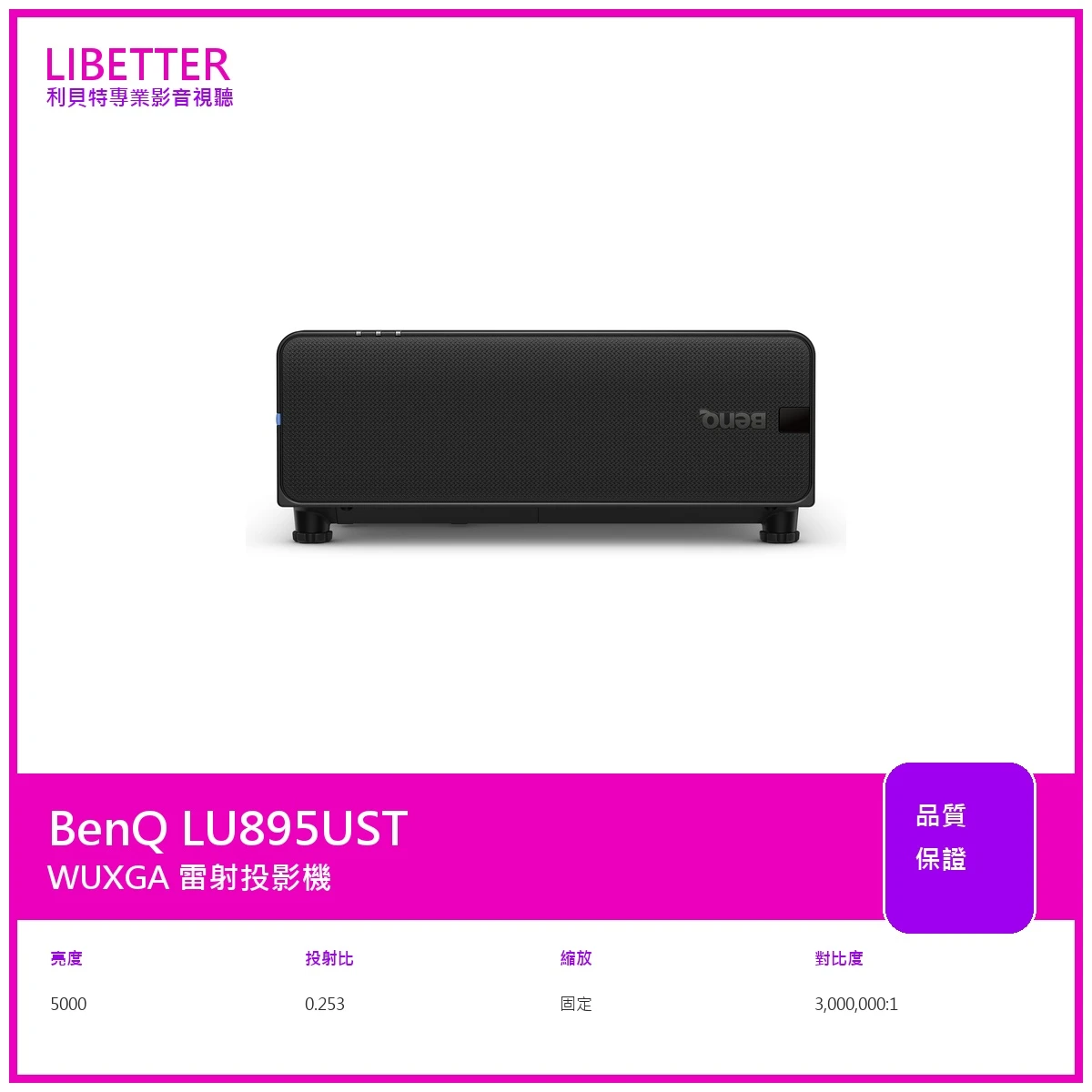
商品BenQ LU895UST 投影機
-
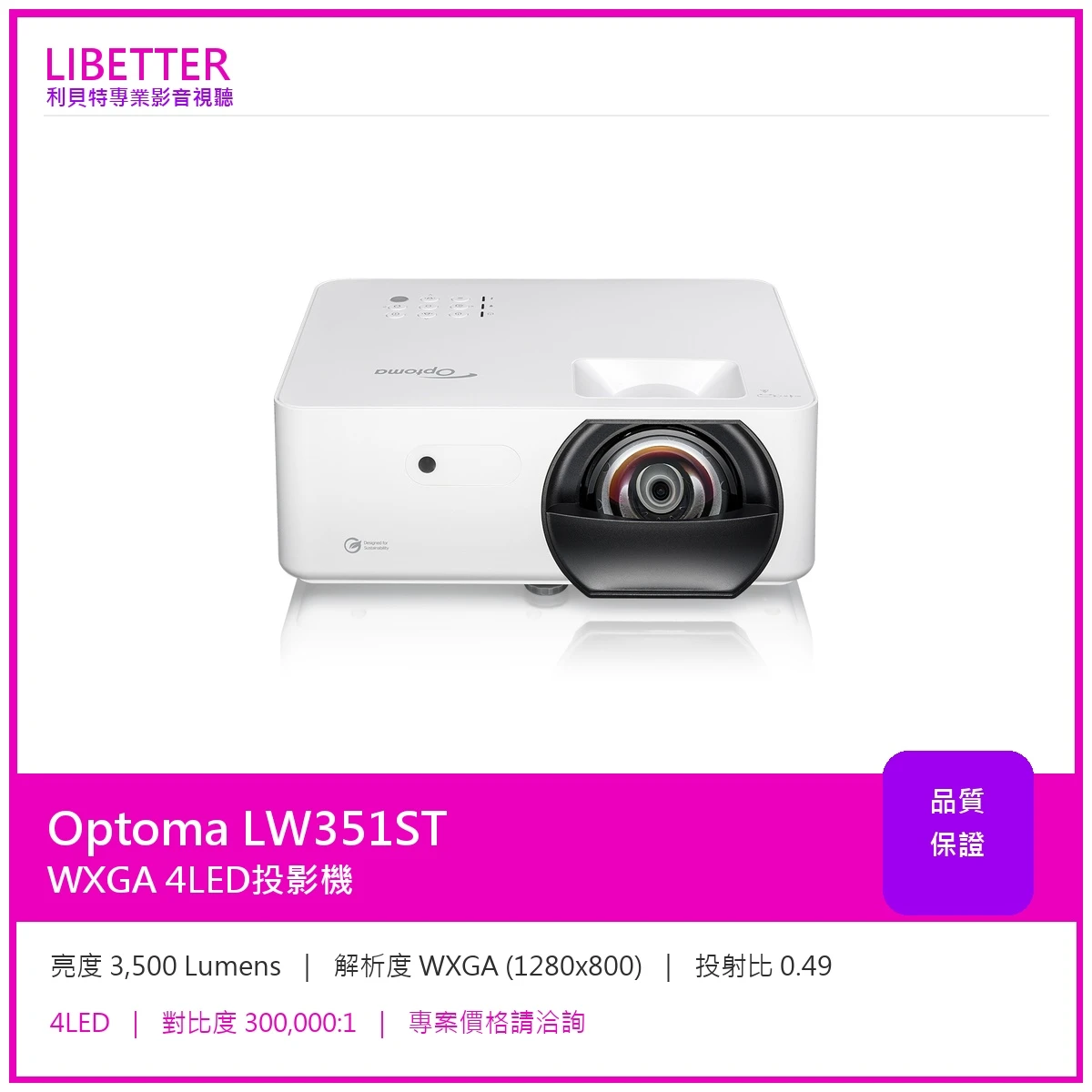
商品Optoma LW351ST WXGA 3500流明 投影機
-
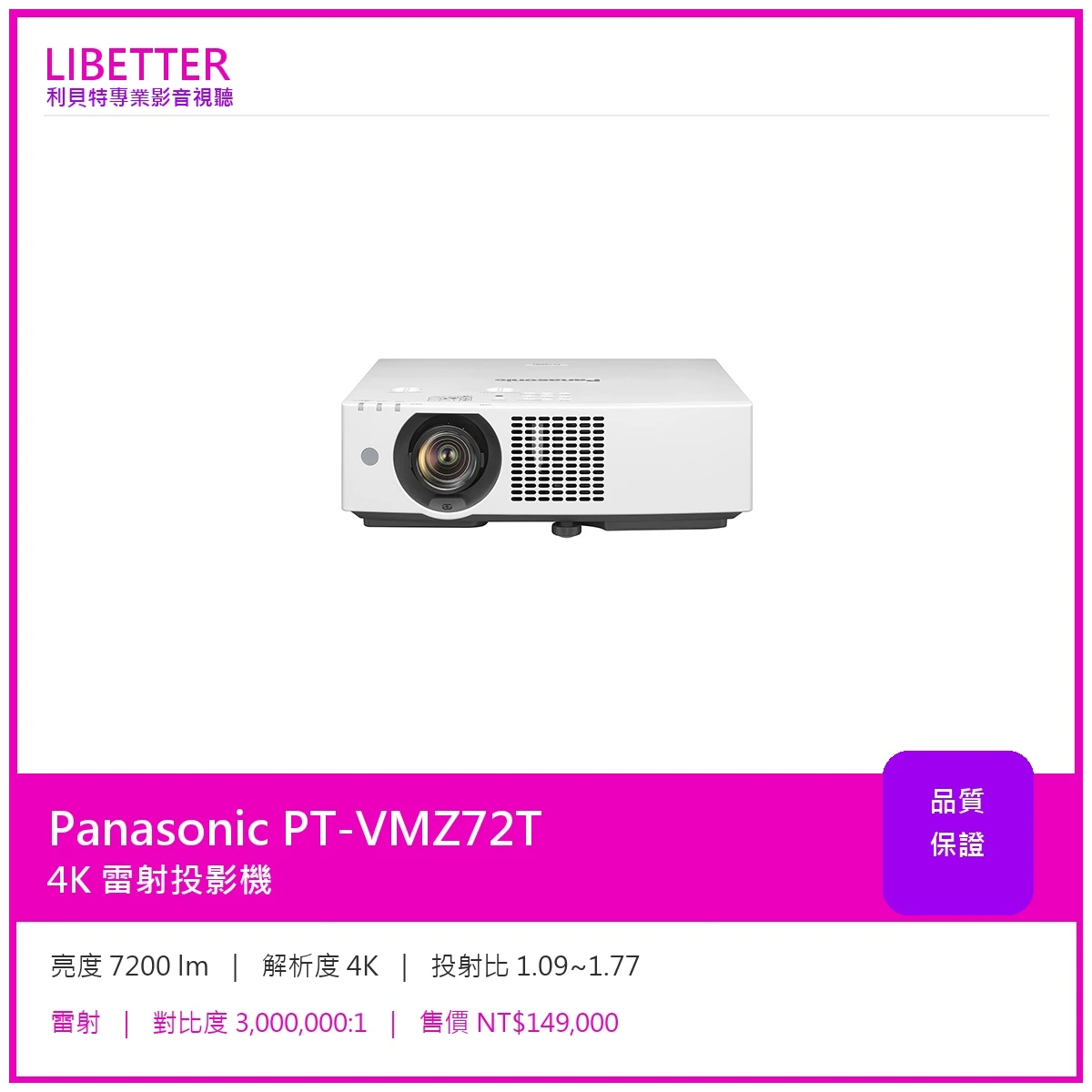
商品Panasonic PT-VMZ72T 4K 7200流明 投影機
特價149000
-
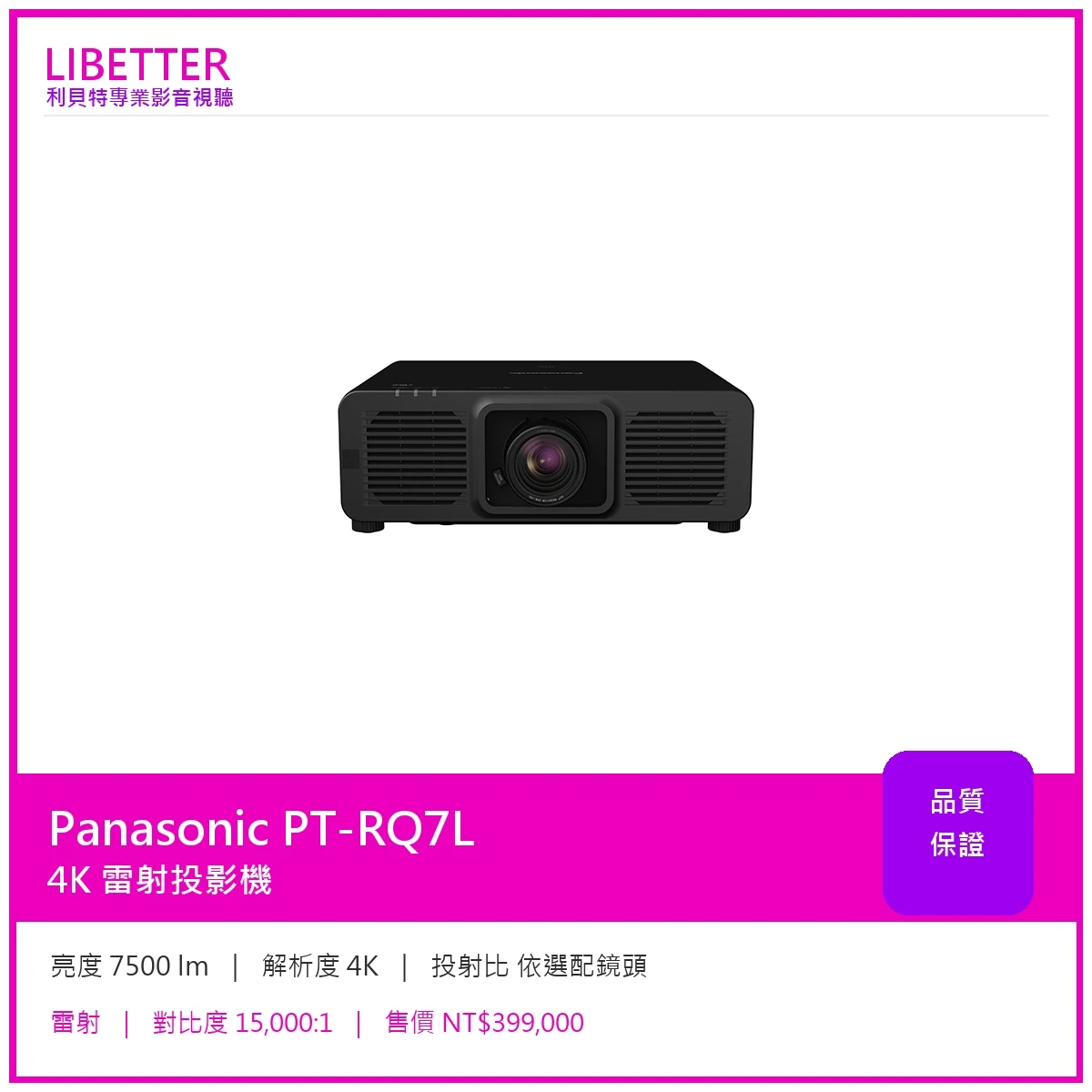
商品Panasonic PT-RQ7L 4K 7500流明 投影機
特價399000
-
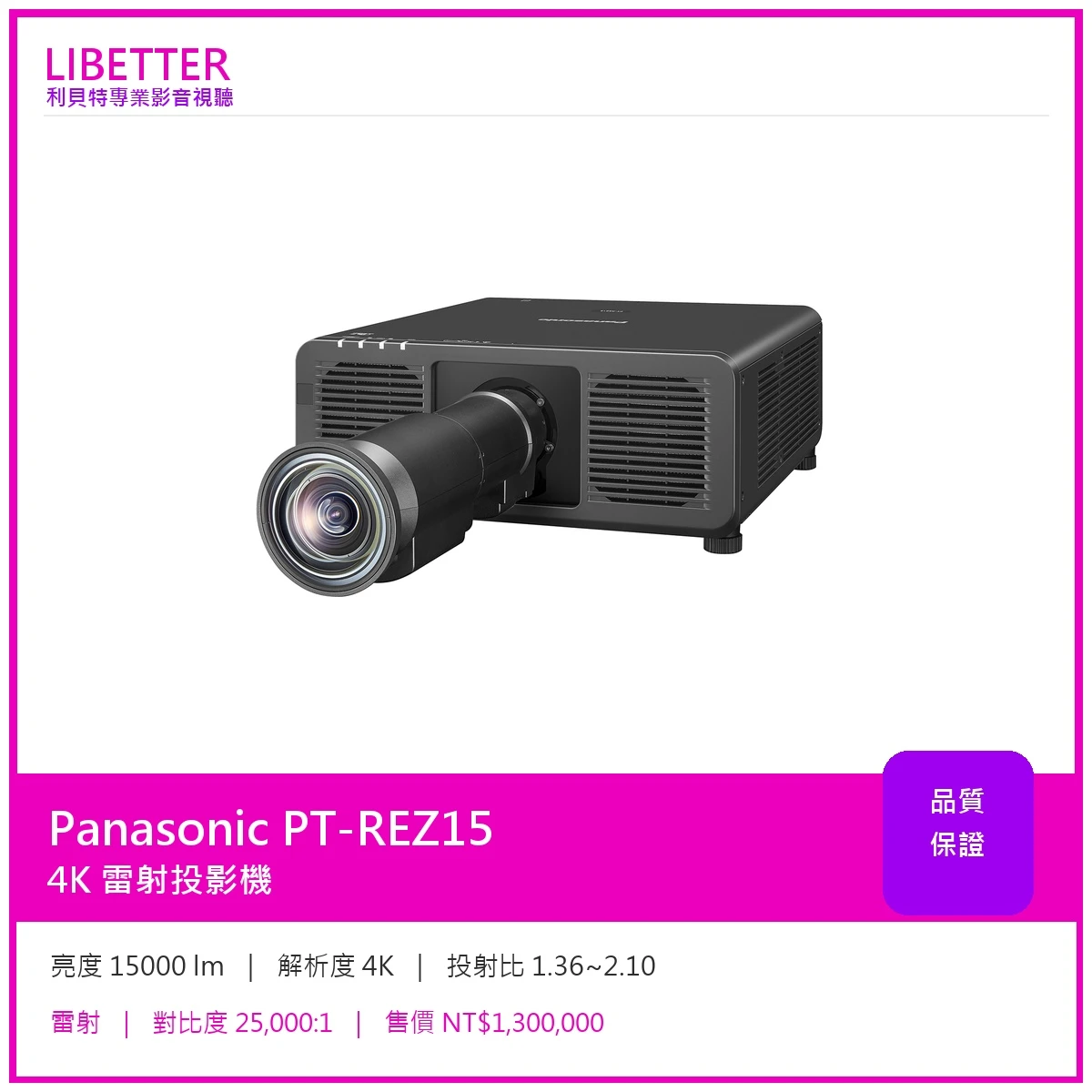
商品Panasonic PT-REZ15 4K 15000流明 投影機
特價1300000
-
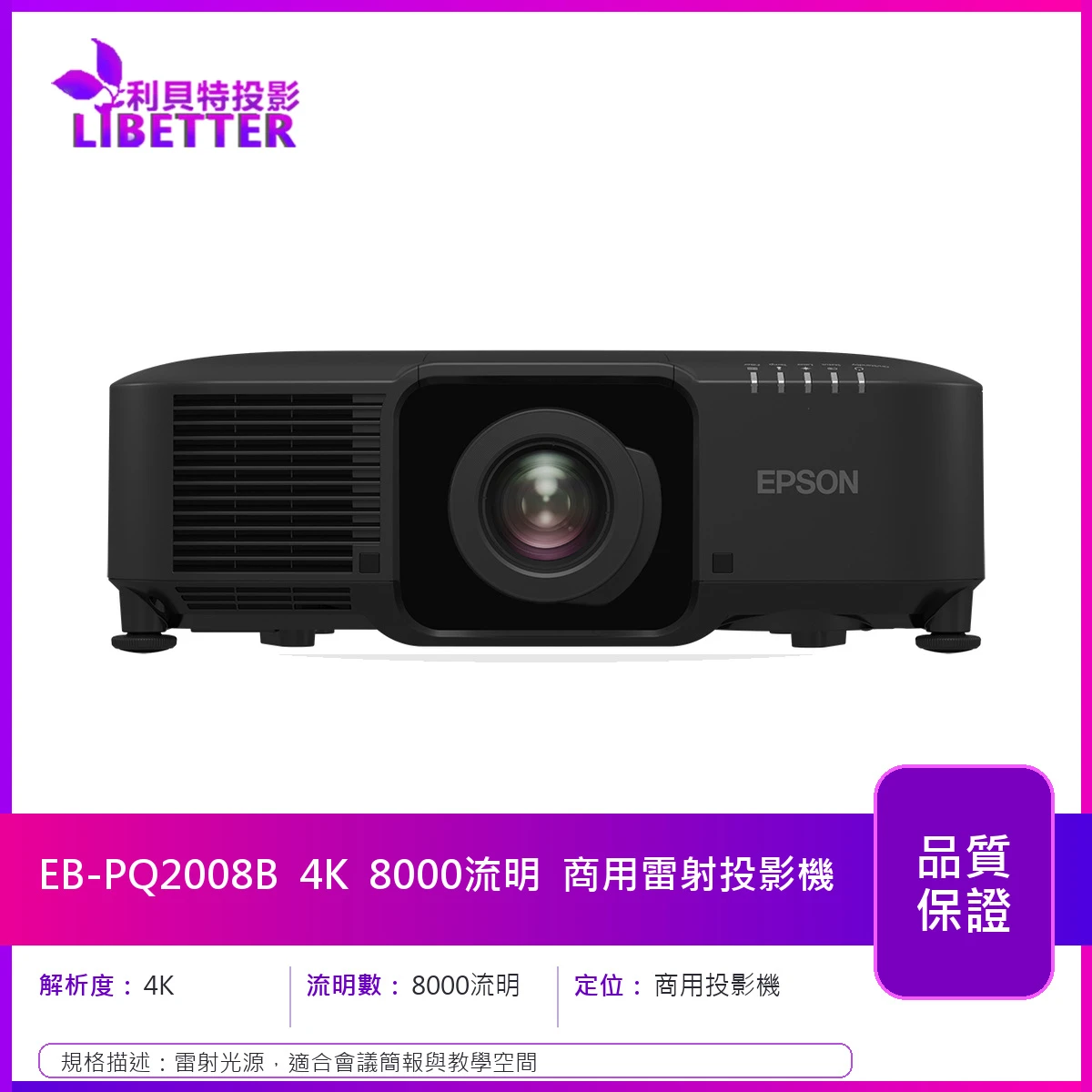
商品EPSON EB-PQ2008B 4K 8000流明 商用投影機
-
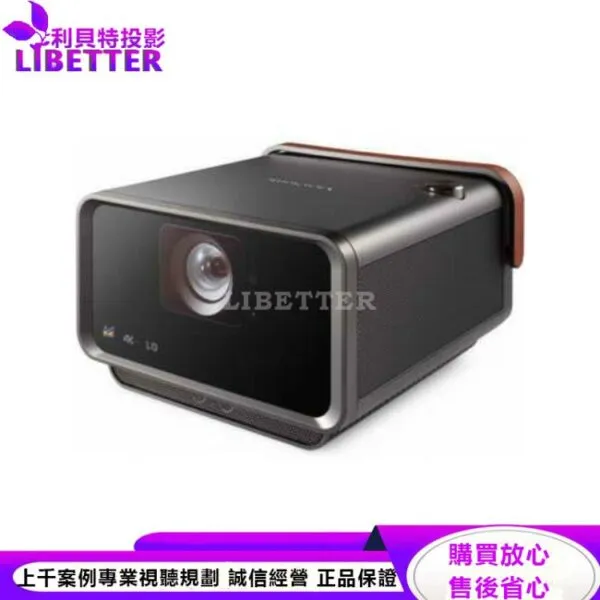
商品ViewSonic X10-4K LED投影機2400ANSI
特價39890
-
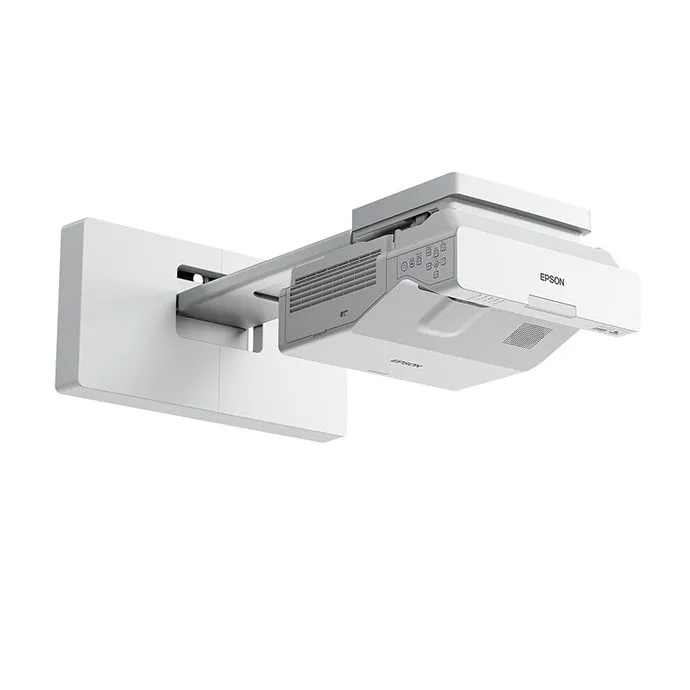
商品EPSON EB-720 高亮彩超短距教學解決方案 3LCD雷射投影機 亮度達3800流明 XGA 原廠3年保固
特價46000
-
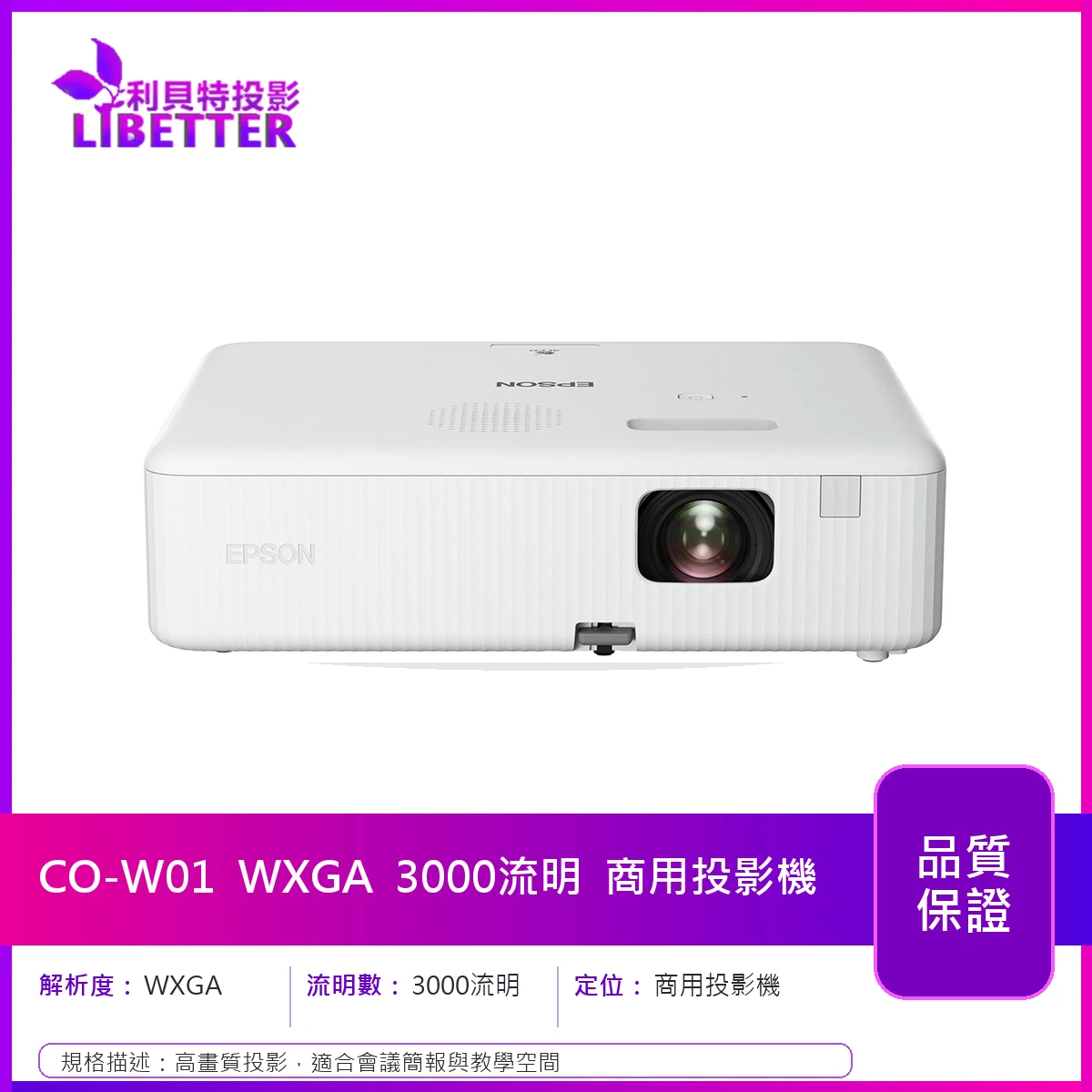
商品EPSON CO-W01 WXGA 3000流明 商用投影機
特價13900
-
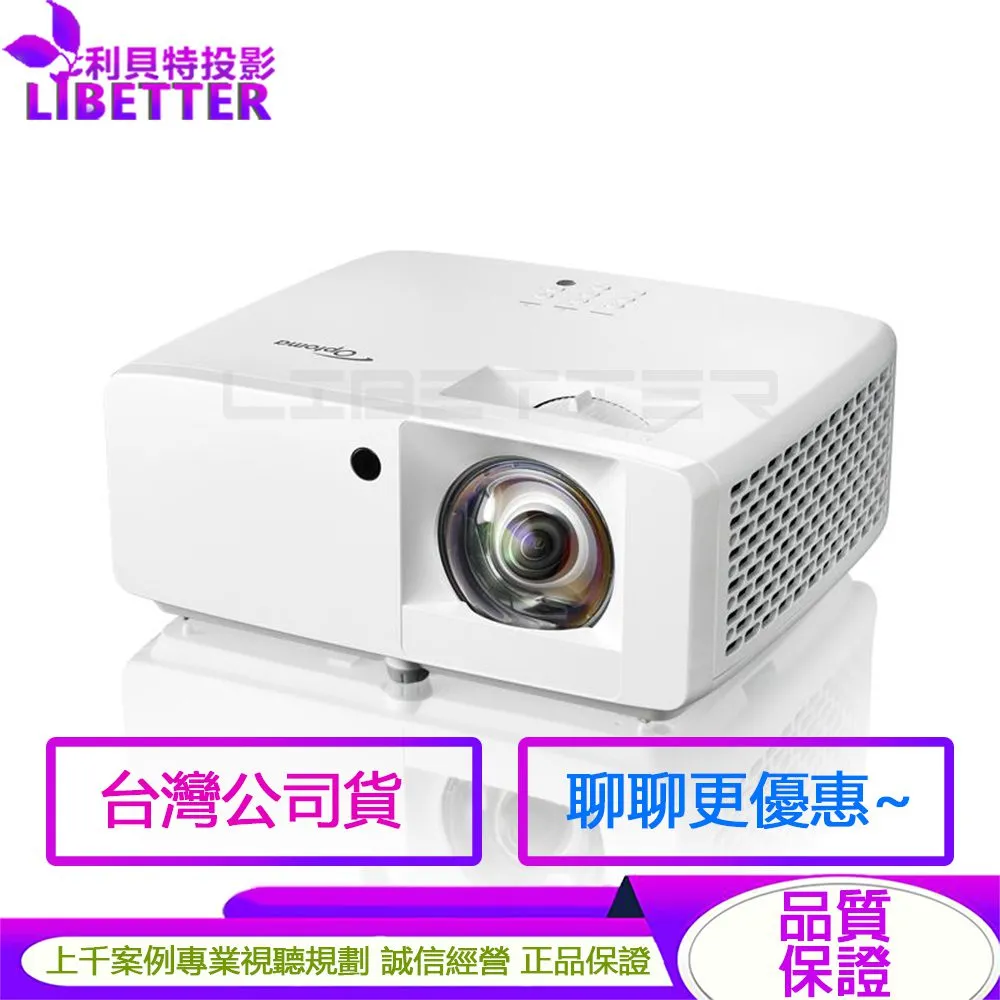
商品Optoma Wave 110S 3500流明 1080p 家庭影音 雷射短焦投影機
特價32900
 發信給店家
發信給店家 聯絡店家
聯絡店家 加入店家line好友