


 MENU
MENU
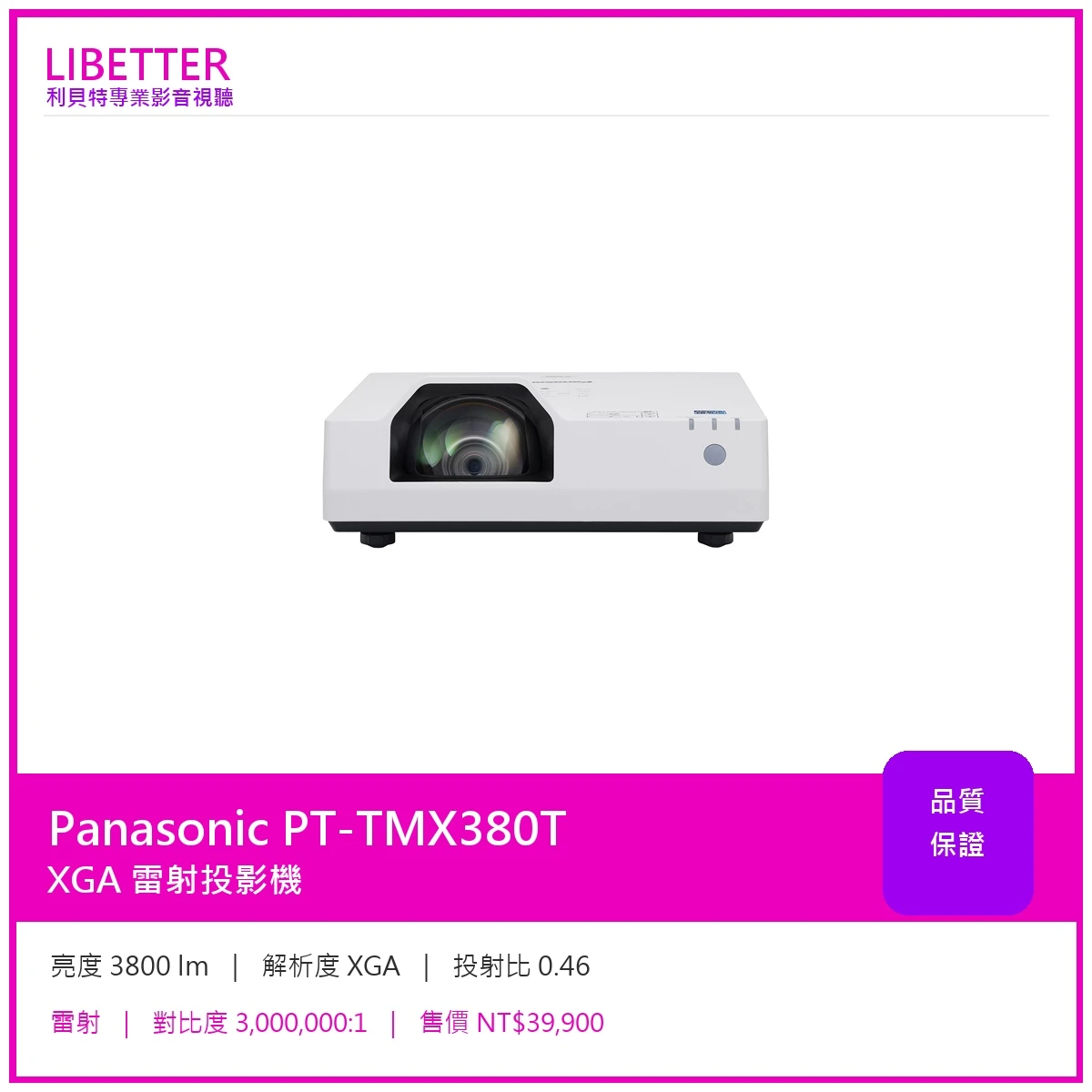
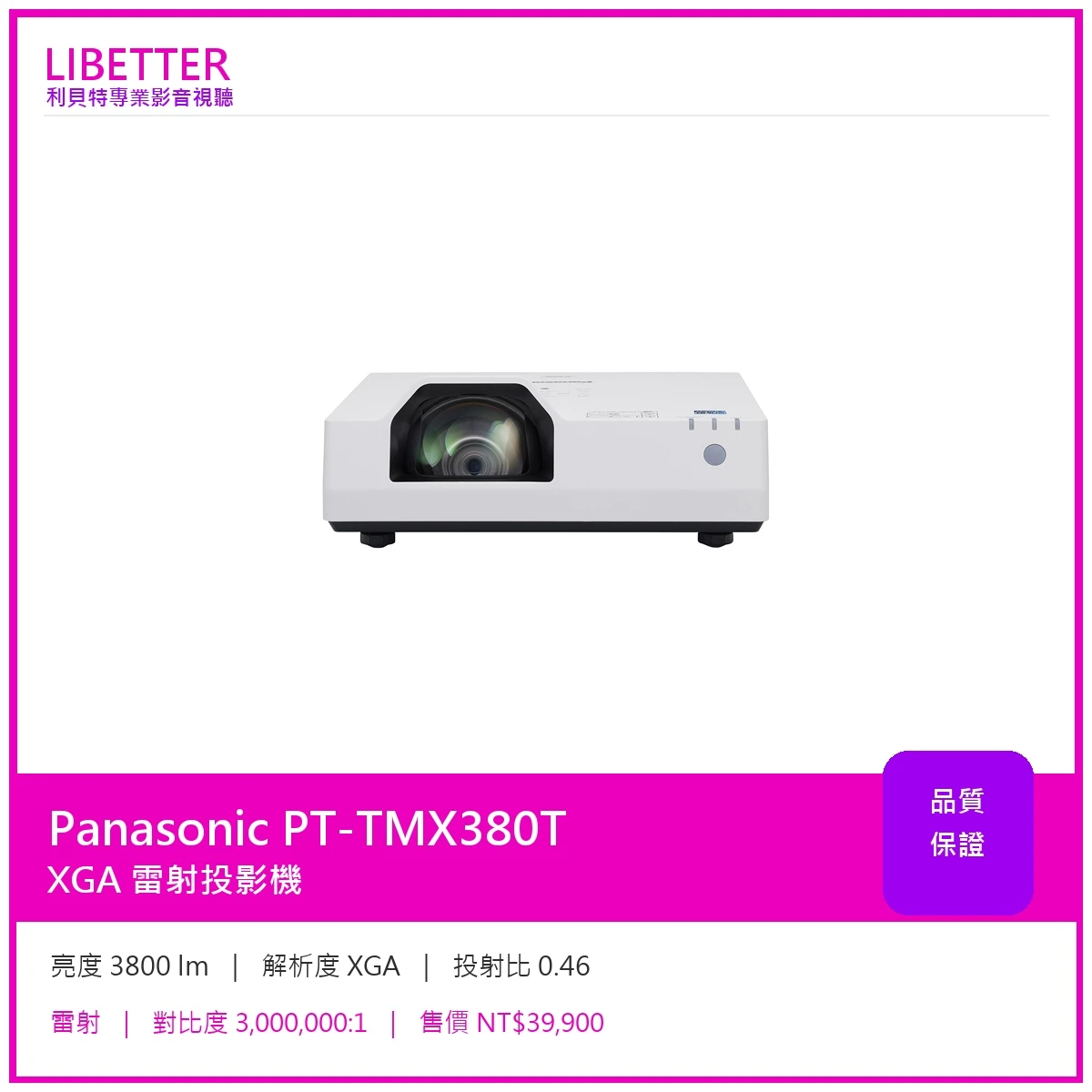
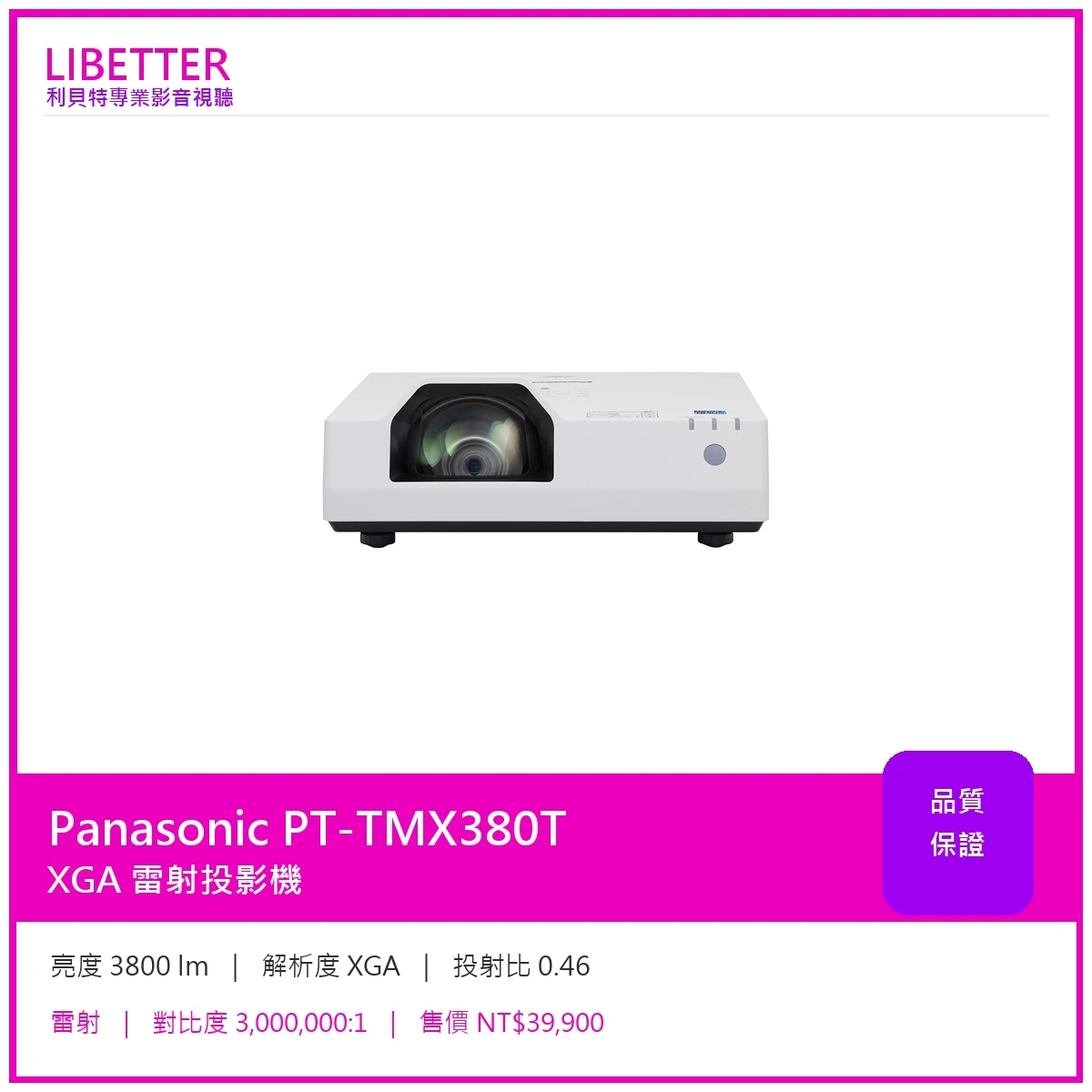
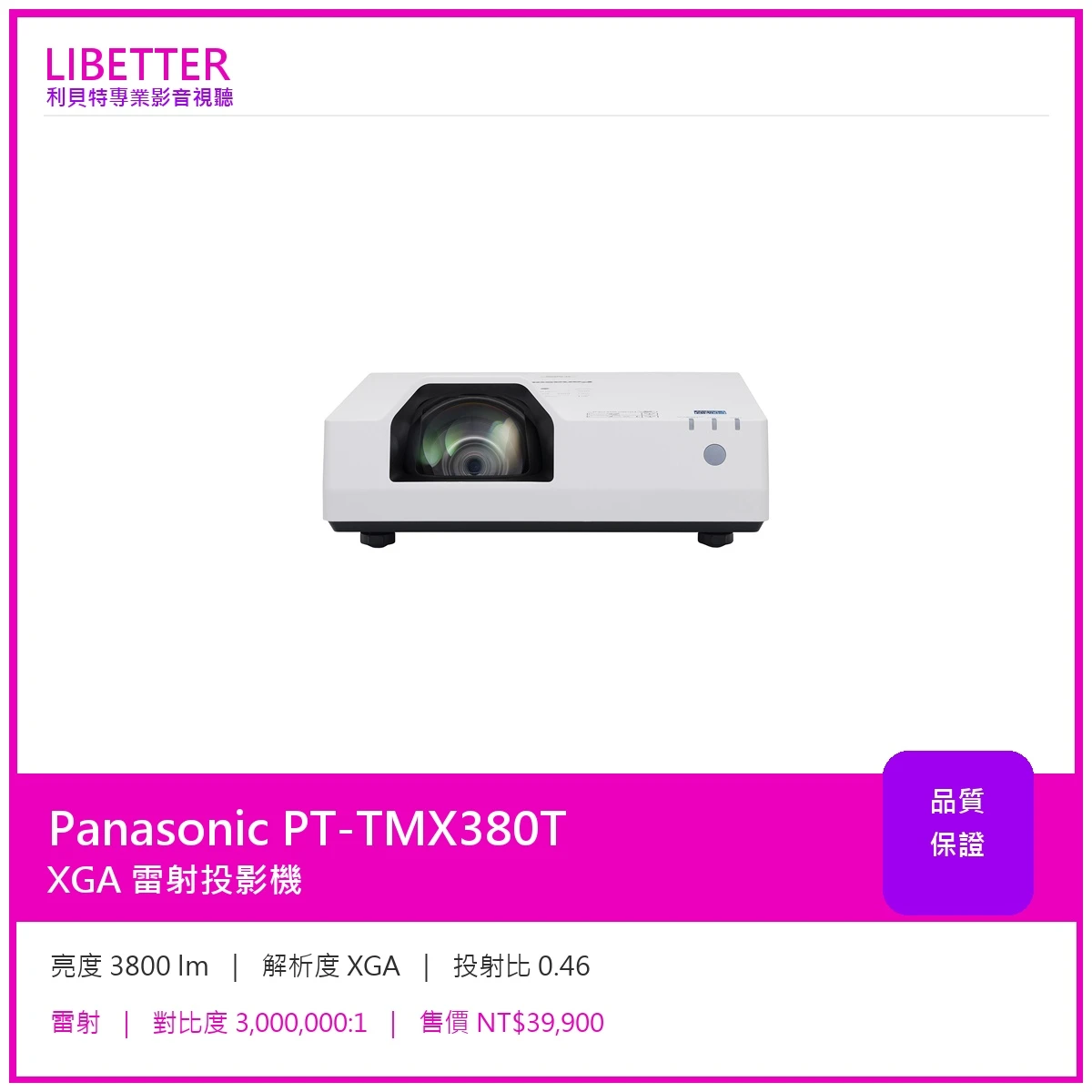
Panasonic PT-TMX380T
主要規格
| 亮度 | 3800 lm |
|---|---|
| 解析度 | XGA |
| 投射比 | 0.46 |
| 光源 | 雷射 |
| 光源壽命 | 20,000 小時 (NORMAL / QUIET) / 24,000 小時 (ECO) |
| 對比度 | 3,000,000:1 |
| 鏡頭位移 | 無 |
| 縮放 | 固定焦距 |
Panasonic 原廠產品介紹
Short-Throw LCD Projectors
Note: Model availability varies by country or region.
Project Anywhere Instantly from Short Distances
Project an 80-inch image from 73 cm 7 (2.40 ft) and avoid shadows on screen. Compact 4.9 kg (10.8 lbs) body is highly portable and easy to install with Digital Zoom Extender and Image Shift 8 function. Start work instantly: project from standby in about one second 9 and hold attention with quiet 24 dB 10 operation.
Efficient Reliability with Minimal Maintenance
SOLID SHINE Laser and reusable ECO Filter last for 20,000 hours 11 with no lamp or filter maintenance hassle. With eco-friendly 240 W power consumption that’s 20 % 12 lower than conventional lamp-based models, TMZ400 Series supports sustainable projection at lower cost and with less waste.
Crisp, Sharp Images and Text at WUXGA 1
With 4,000 lm 2 , 3,000,000:1 13 Dynamic Contrast, and Daylight View Basic, TMZ400 Series has power to cut through bright ambient light and deliver sharp, clear pictures. WUXGA 1 LCD panels display content at its original aspect ratio and clearly define text for easy visibility.
1 PT-TMZ400: WUXGA (1920 x 1200), PT-TMW380: WXGA (1280 x 800), PT-TMX380: XGA (1024 x 768).
2 When [PICTURE MODE] is set to [DYNAMIC] and [LIGHT POWER] is set to [NORMAL]. Measurement, measuring conditions, and method of notation are all compliant with ISO/IEC 21118: 2020 international standards. Value is average of all products when shipped.
3 Measurement, measuring conditions, and method of notation all comply with American National Standards Institute standards. Value is the average of all products when shipped.
4 Average light-output value of all shipped products measured at the center of screen in NORMAL Mode.
5 Supports signals up to 4K/30p. A signal with different resolution is converted to the number of display dots. PT-TMZ400: WUXGA (1920 x 1200), PT-TMW380: WXGA (1280 x 800), PT-TMX380: XGA (1024 x 768).
6 Optional AJ-WM50 Series Wireless Module required (sold separately). Product availability may vary by country or region.
7 For PT-TMZ400/TMW380. PT-TMX380 projects an 80-inch image from a throw distance of 75 cm (2.46 ft).
8 Resolution decreases when using Digital Zoom Extender and Image Shift. Some screen correction functions are not available when using this function, and range of corner adjustment is limited.
9 When [ECO MANAGEMENT] > [QUICK STARTUP] is set to [ON]. [QUICK STARTUP] is unavailable after the [AVAILABLE PERIOD] setting has expired. When [QUICK STARTUP] is set to [ON], the projector continues to warm up, increasing power consumption. When [QUICK STARTUP] is set to [ON], the standby period when the [QUICK STARTUP] function is valid will be added as the projector runtime. [QUICK STARTUP] cannot be set when [STANDBY MODE] is set to [ECO]. May vary depending on connection terminals, signals, and other conditions.
10 In QUIET Mode (35 dB in NORMAL/ECO Mode).
11 Around this time, light output will have decreased to approximately 50 % of its original level ([PICTURE MODE]: [DYNAMIC], [DYNAMIC CONTRAST] set to [2], temperature 30 °C [86 °F], elevation 700 m [2,297 ft] with 0.15 mg/m 3 of particulate matter). Estimated time until light output declines to 50 % varies depending on environment. Filter cleaning cycle varies depending on the environment. Filter can be washed and reused up to two times (see Operating Manual for details). Filter cleaning cycle: 20,000 hours (under dust conditions of 0.08 mg/m 3 ), 10,000 hours (under dust conditions of 0.15 mg/m 3 ).
12 PT-TMZ400 (240 V maximum power consumption, AC 100–240 V) compared to PT-TW381R Series (300 W maximum power consumption, AC 100–240 V) in NORMAL Mode.
13 Full On/Full Off, when [PICTURE MODE] is set to [DYNAMIC] and [DYNAMIC CONTRAST] is set to [1]. Measurement, measuring conditions, and method of notation all comply with ISO/IEC 21118: 2020 international standards. Value is average of all products when shipped.
Clear Pictures, No Shadows
Project an 80-inch image from a distance of just 73 cm 1 (2.40 ft) right off your desktop. Thanks to the short-throw-lens, you no longer have to worry if your body is casting a shadow on the screen. The short-throw design is a perfect fit in small rooms, projecting a large 100-inch image without shadows from a distance of 93 cm 2 (3.05 ft). With up to 4,000 lm 3 of laser brightness, 3,000,000:1 4 Dynamic Contrast, and WUXGA 5 resolution, TMZ400 Series delivers clear, sharp, vivid pictures with lights on and blinds open.
1 For PT-TMZ400/TMW380. PT-TMX380 projects an 80-inch image from a throw distance of 75 cm (2.46 ft).
2 For PT-TMZ400/TMW380. PT-TMX380 projects a 100-inch image from a throw distance of 103 cm (3.37 ft).
3 PT-TMZ400: 4,000 lm, PT-TMW380/TMX380: 3,800 lm. When [PICTURE MODE] is set to [DYNAMIC] and [LIGHT POWER] is set to [NORMAL]. Measurement, measuring conditions, and method of notation are all compliant with ISO/IEC 21118: 2020 international standards. Value is average of all products when shipped.
4 Full On/Full Off, when [PICTURE MODE] is set to [DYNAMIC] and [DYNAMIC CONTRAST] is set to [1].
5 PT-TMZ400: WUXGA (1920 x 1200), PT-TMW380: WXGA (1280 x 800), PT-TMX380: XGA (1024 x 768).
Easy for Everyone to Use
TMZ400 Series combines TV-like convenience with easy portability. Its body width and depth are not much larger than a laptop computer, and it weighs just 4.9 kg (10.8 lbs), light enough to take wherever you need to go, and easy to install on the ceiling. Setup is simple: just set on a desktop, connect the source, and start presenting.
Start Work Instantly
Start your class or meeting instantly without distracting delays that lose the group’s attention. Unlike lamp-based projectors, which take time to start up, TMZ400 Series projects your content about one second 1 after powering on from standby thanks to its SOLID SHINE Laser light source. It also features a Direct Off function, so you can turn the projector off any time via the room breaker.
1 When [ECO MANAGEMENT] > [QUICK STARTUP] is set to [ON]. [QUICK STARTUP] is unavailable after the [AVAILABLE PERIOD] setting has expired. When [QUICK STARTUP] is set to [ON], the projector continues to warm up, increasing power consumption. When [QUICK STARTUP] is set to [ON], the standby period when the [QUICK STARTUP] function is valid will be added as the projector runtime. [QUICK STARTUP] cannot be set when [STANDBY MODE] is set to [ECO]. May vary depending on connection terminals, signals, and other conditions.
Quiet Operation Keeps People Focused
TMZ400 Series includes a Quiet Mode that reduces operating noise to as little as 24 dB 1 —the same apparent loudness as rustling leaves. The projector fits unobtrusively into your environment and minimizes distractions even when the group is seated close by the projector. Quiet projection helps keep attention focused on the presentation, whether your class or colleagues are in the room or participating remotely.
1 In QUIET Mode (35 dB in NORMAL/ECO Mode).
Digital Zoom Extender Adds Digital Image Shift Function
Digital Zoom Extender evolves with a new Digital Image Shift function. It provides a convenient workaround when it’s not possible to install the projector at the center of the screen due to light fittings or air-conditioning vents on the ceiling, or in cases where the ceiling is too high. You can digitally shift the image 10% up or down and 10% left or right so it fits on your screen using the projector remote control.
Digital Zoom Extender function allows you to keep the same mount position as your old projector even if it’s too far from the screen, saving construction work. It extends throw-distance past the range of optical zoom so the image is projected at the desired size on your screen. TMZ400 Series uses the same mount and attachment bracket as the conventional lamp-based PT-TW381R Series, so you if you’re updating, you can bolt the new projector straight in and use Digital Zoom Extender to fit the image on screen.
Note: Resolution decreases when using Digital Zoom Extender and Image Shift. Some screen correction functions are not available when using this function, and range of corner adjustment is limited. Use of the same projector mounts may not be possible in every situation. Image size reduced to 80 % when Digital Image Shift is enabled.
Screen Adjustment with Automatic Vertical Keystone Correction
TMZ400 Series features simple screen adjustment operable by remote control. It includes Automatic Vertical Keystone Correction that fixes trapezoidal distortion when the projector is tilted up or down; 4-Corner and Horizontal/Vertical Keystone Correction to correct the image when projecting at an angle; 6-Point Correction that removes distortion when projecting an image into the corner of a room; and Curved Screen Correction to remove barrel or pincushion distortion when projecting onto curved surfaces.
Note: 6-Point Screen Adjustment available on PT-TMZ400 only.
Designed for Stress-free Life
Excellent picture quality is just one benefit of laser projection. Both the light source and ECO Filter don’t need to be replaced until about 20,000 hours 1 . Comparable lamp projectors would need between one and four lamp changes plus filter maintenance if operated for the same amount of time. You also don’t need to worry about disposing of expired lamps, and the ECO Filter can be washed and reused, saving waste. It’s easy to see how laser projection reduces cost and maintenance hassle. And thanks to the light-source’s controlled brightness ramp and consistently uniform color reproduction, images stay clear and vivid for much longer.
Panasonic 官方產品圖片

Panasonic 官方詳細規格
| Projector type | LCD projectors |
|---|---|
| Size | 16.3 mm (0.64 in) diagonal (16:10 aspect ratio) |
| Display system | Transparent LCD panel (x 3, R/G/B) |
| Drive method | Active matrix |
| Pixels | 1,024,000 (1280 x 800) pixels |
| Light source | Laser diodes |
| Light output 1 ? ISO/IEC 21118: Brightness measured complied with ISO/IEC 21118: 2020 international standards. Measure average illuminance level (lux) of 9 points which are divided on the projected area, and multiply by projected area (m 2 ). Value is the average of all products when shipped. ANSI lm: Brightness measured complied with American National Standards Institute standards. Measure average illuminance level (lux) of 9 points which are divided on the projected area, and multiply by projected area (m 2 ). Value is the average of all products when shipped. Result of Brightness measured complied with ISO/IEC 21118 and ANSI will be same. Center lm: Measured Illumination level at the center of screen (lux) multiplied by projected area (m 2 ). Value is the average of all products when shipped. When comparing projectors, it's essential to ensure that the brightness ratings are measured using the same standard to get an accurate comparison. | 3,800 lm 2 / 3,800 lm (ANSI) 3 / 4,100 lm (Center) 4 |
| Time until light output declines to 50 % 5 | 20,000 hours (NORMAL/QUIET)/24,000 hours (ECO) |
| Resolution | WXGA (1280 x 800 pixels) |
| Contrast ratio 2 | 3,000,000:1 (Full On/Full Off) (When [PICTURE MODE] is set to [DYNAMIC] and [DYNAMIC CONTRAST] is set to [1].) |
| Screen size (diagonal) | 1.27–2.67 m (50–105 in), 16:10 aspect ratio |
| Center-to-corner zone ratio 2 | 85 % |
| Lens | Fixed zoom, manual focus lens, F = 1.8, f = 6.08 mm, throw ratio: 0.43:1 (Projection distance: 0.73 m [2.40 ft] for 80-inch image) |
| Digital Zoom Extender 6 | Throw ratio: 0.43–0.54:1 7 (Corresponding value) |
| Keystone correction range | Vertical: ±15 ° (Auto, Manual), Horizontal: ±15 ° (Manual) |
| Installation | Ceiling/floor, front/rear, free 360-degree installation |
| HDMI 1/2 IN | HDMI 19-pin x 2 (Compatible with HDCP 1.4, Deep Color, 4K/30p 8 signal input), CEC supported 9 |
| COMPUTER 1 IN | D-sub 15-pin (female) x 1 (RGB/YP B P R /YC B C R ) |
| COMPUTER 2 IN | D-sub 15-pin (female) x 1 (RGB/YP B P R /YC B C R ) |
| AUDIO 1/2 IN | M3 stereo mini-jack x 2 |
| AUDIO OUT | M3 stereo mini-jack x 1 |
| SERIAL IN | D-sub 9-pin (female) x 1 for computer control (RS-232C compliant) |
| LAN | RJ-45 x 1 for network control, 10Base-T, 100Base-TX |
| USB (VIEWER/ WIRELESS/DC OUT) | USB connector (Type A) x 1 for Memory Viewer function, optional AJ-WM50 Series Wireless Module, power supply (DC 5 V, maximum 2 A 10 ) |
| Protocol versions | IPv4, IPv6 11 |
| Power supply | AC 100 V–240 V, 50/60 Hz |
| Maximum power consumption 12 | 230 W |
| On-mode power consumption (Light Power) 12 | [NORMAL] 205 W (100–240 V), 195 W (200–240 V) [ECO] 155 W (100–240 V), 145 W (200–240 V) [QUIET] 150 W (100–240 V), 140 W (200–240 V) |
| Built-in speaker | 10 W monaural |
| Cabinet materials | Molded plastic |
| Filter 13 | Included (Estimated maintenance time: approx. 20,000 hours) |
| Operation noise 2 | 35 dB (NORMAL/ECO), 24 dB (QUIET) |
| Dimensions (W x H x D) | 349 mm x 138 mm x 370 mm (13 3/4˝ x 5 7/16˝ x 14 9/16˝ ) (with feet at shortest position) |
| Weight with supplied lens 14 | 4.9 kg (10.8 lbs) |
| Operating environment | Operating temperature: 0–45 °C (32–113 °F) 15 , Operating humidity: 20–80 % (no condensation) |
| Applicable software | Multi Monitoring & Control Software, Projector Network Setup Software, Logo Transfer Software, Presenter Light Software for Windows ® 16 , Wireless Projector App for iOS/Android ™ 17 |
| Control function via LAN | PJLink™ [Class 2], Crestron Connected™, AMX Device Discovery |
| Projector type | LCD projector |
| Size | 16.0 mm (0.63 in) diagonal (4:3 aspect ratio) |
| Pixels | 786,432 (1024 x 768) pixels |
| Resolution | XGA (1024 x 768 pixels) |
| Screen size (diagonal) | 1.27–2.67 m (50–105 in), 4:3 aspect ratio |
| Lens | Fixed zoom, manual focus lens, F = 1.8, f = 6.08 mm, throw ratio: 0.46:1 (Projection distance: 0.75 m [2.46 ft] for 80-inch image) |
| Digital Zoom Extender 6 | Throw ratio: 0.46–0.58:1 7 (Corresponding value) |
| On-mode power consumption (Light Power) 12 | [NORMAL] 205 W (100–240 V), 195 W (200–240 V) [ECO] 155 W (100–240 V), 145 W (200–240 V) [QUIET] 150 W (100–240 V), 145 W (200–240 V) |
| Applicable software | Multi Monitoring & Control Software, Logo Transfer Software, Presenter Light Software for Windows ® 16 , Wireless Projector App for iOS/Android ™ 17 |
投影機規劃・安裝・售後服務
03-4893505|全省服務|LINE ID:@libetter
-
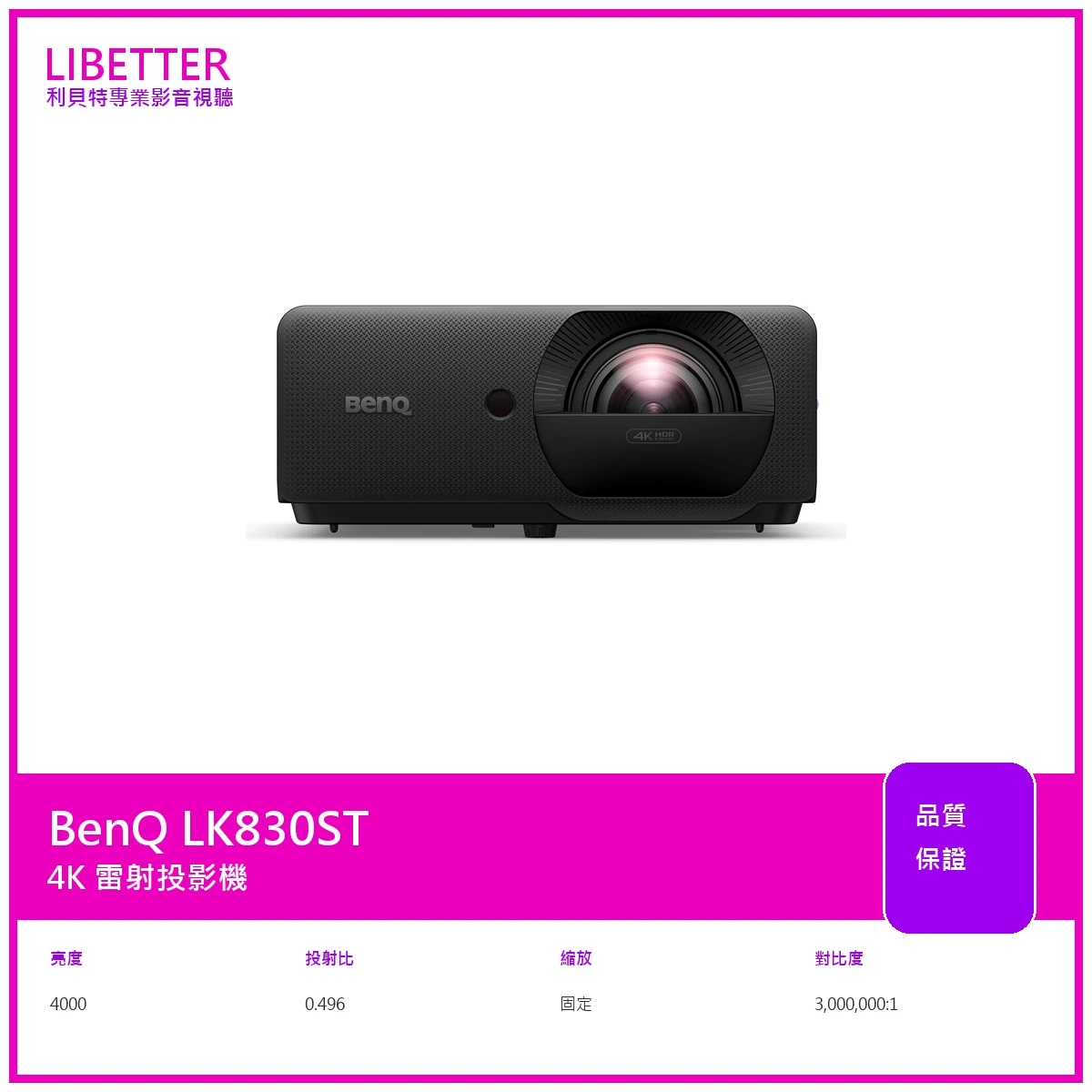
商品BenQ LK830ST 投影機
特價89900
-
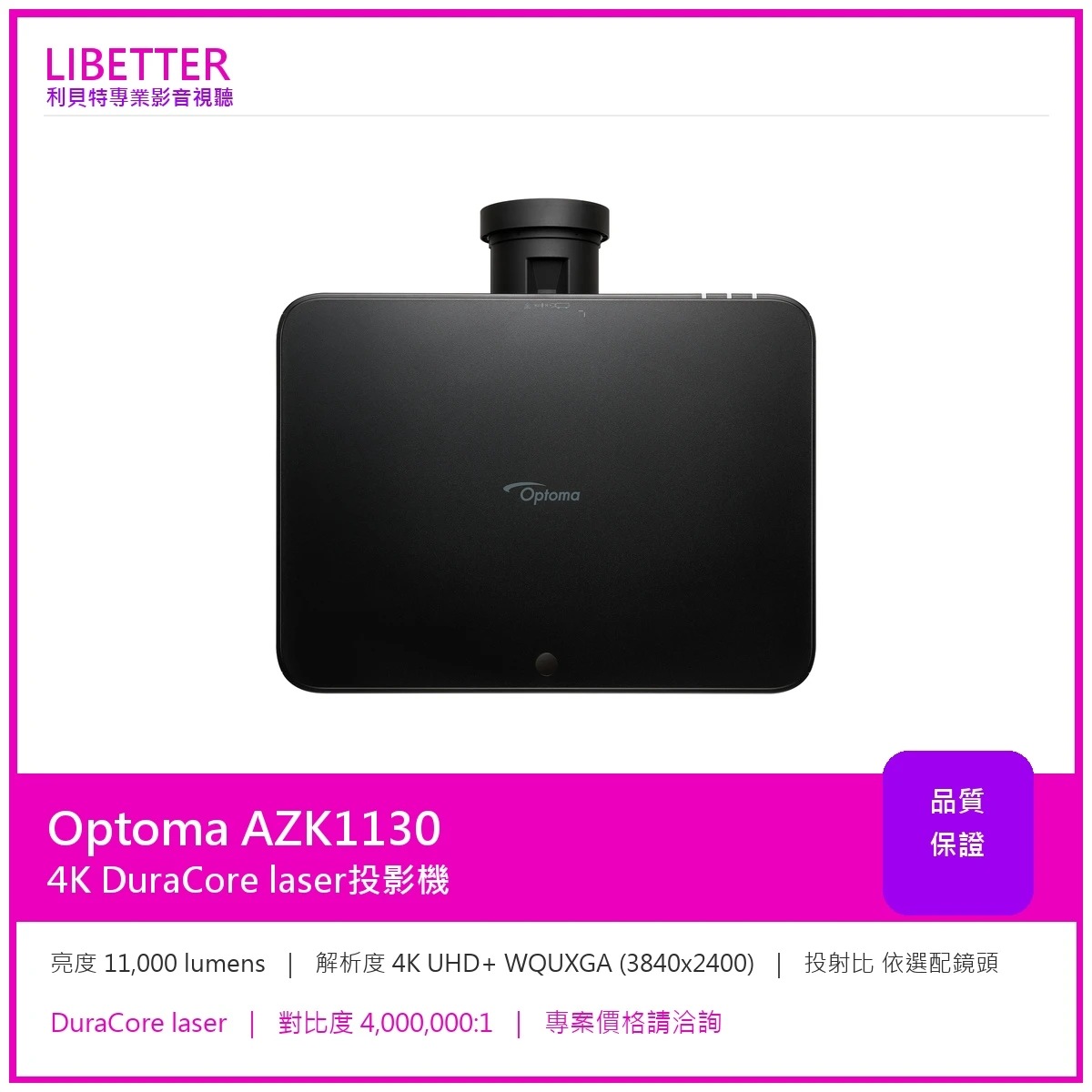
商品Optoma AZK1130 4K 11000流明 投影機
-
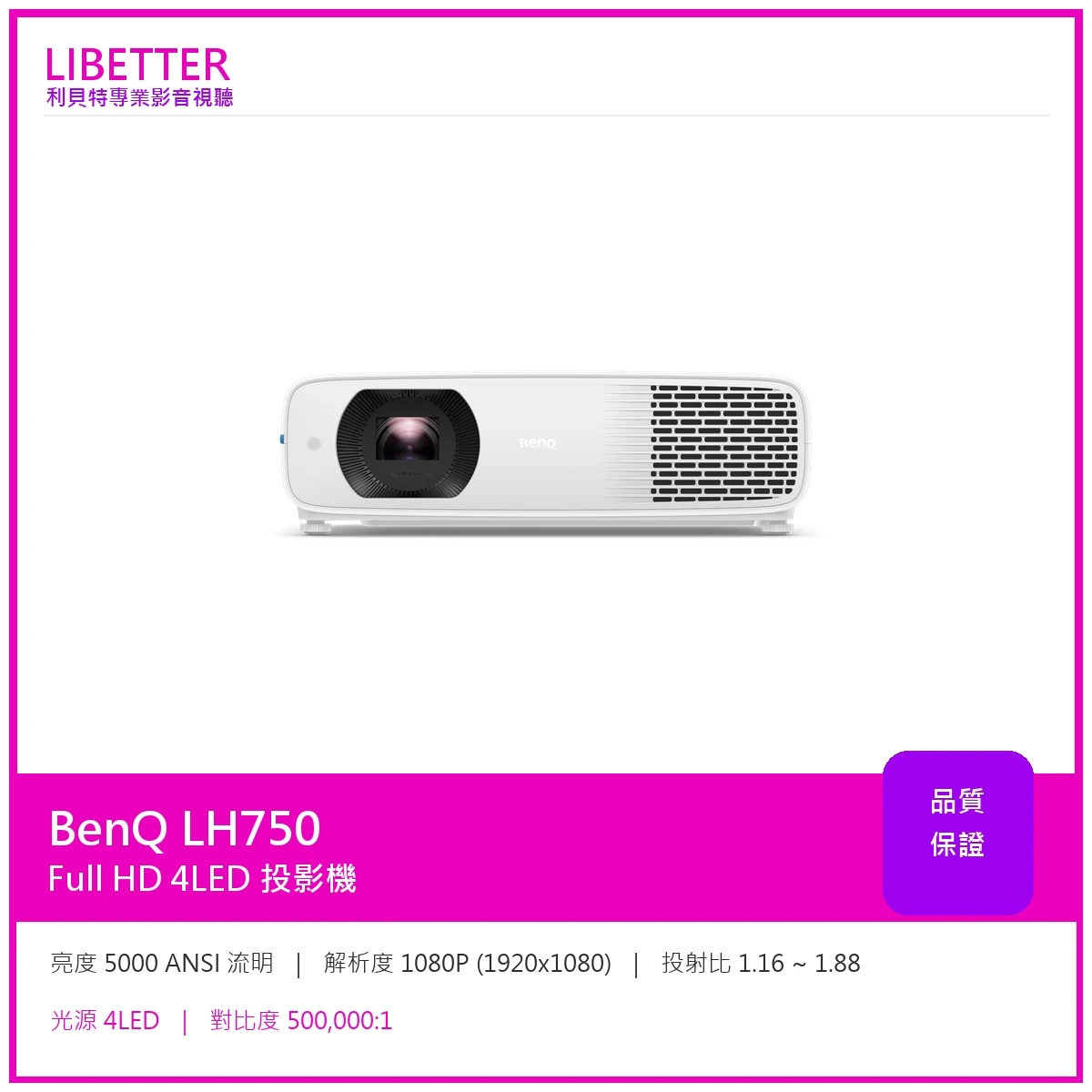
商品BenQ LH750 1080P 5000流明 LED 高亮商用會議投影機
特價59900
-
商品BENQ MH733 Full HD投影機4000ANSI
特價29900
-
商品NEC M403HG NEC M403H 投影機 WUXGA 1080p 4000流明 原廠公司貨
特價34590
-
商品OPTOMA HT40LV-4K 高亮度 4,400流明 Full-HD 長效商用投影機+送HDMI線
特價24900
-
商品EPSON EB-L255F 4500流明 FullHD商務雷射投影機 上網登錄三年保固
特價62900
-
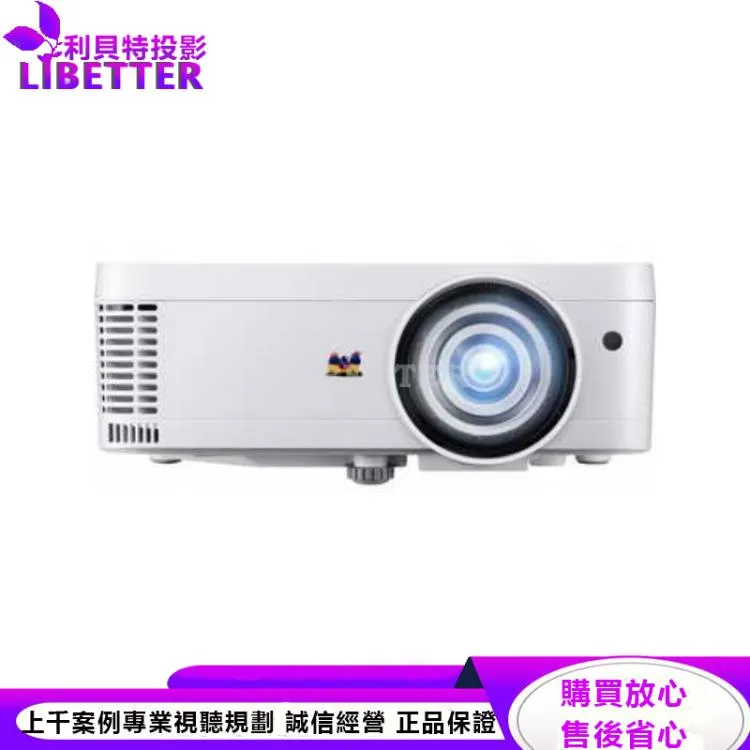
商品ViewSonic PS501X 短焦教育投影機 3600ANSI
特價14590
-
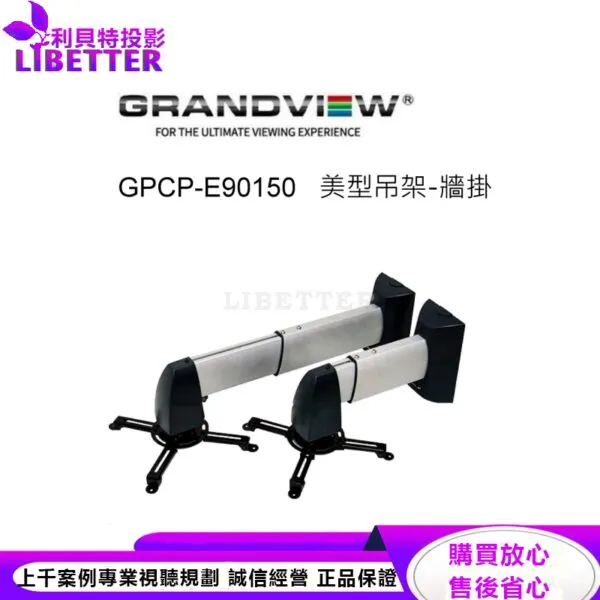
商品加拿大 Grandview GPCP-E90150 美型吊架-牆掛/壁掛架 投影機L型吊架
特價7000
-
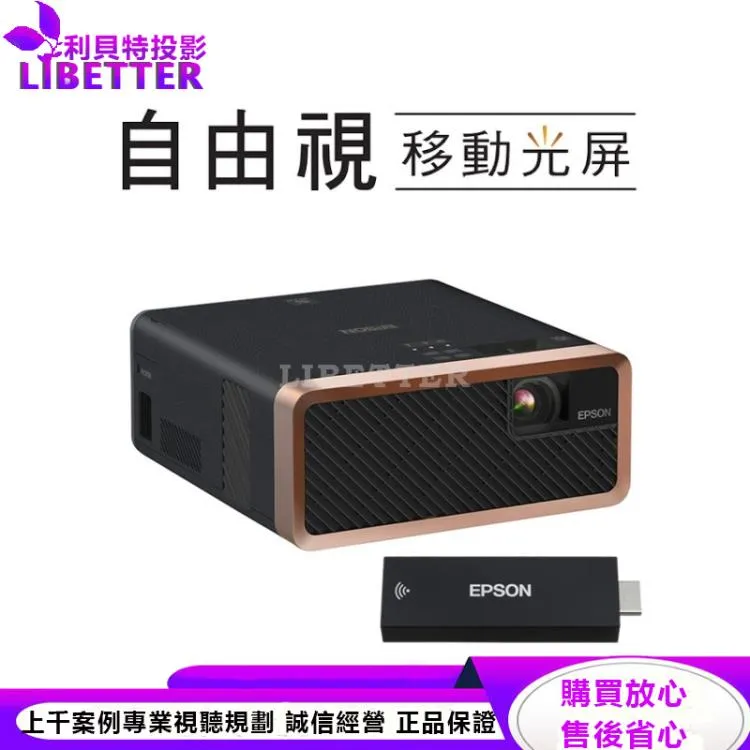
商品EPSON EF-100BATV 自由視 移動光屏
特價29800
 發信給店家
發信給店家 聯絡店家
聯絡店家 加入店家line好友